Suggest a store
Send a store candidate to Orvelt for review.
Updated August 10, 2026
StorefrontContribute
Suggest a store when you know a business that should be considered for the Orvelt front page. A suggestion does not create or change a public store.
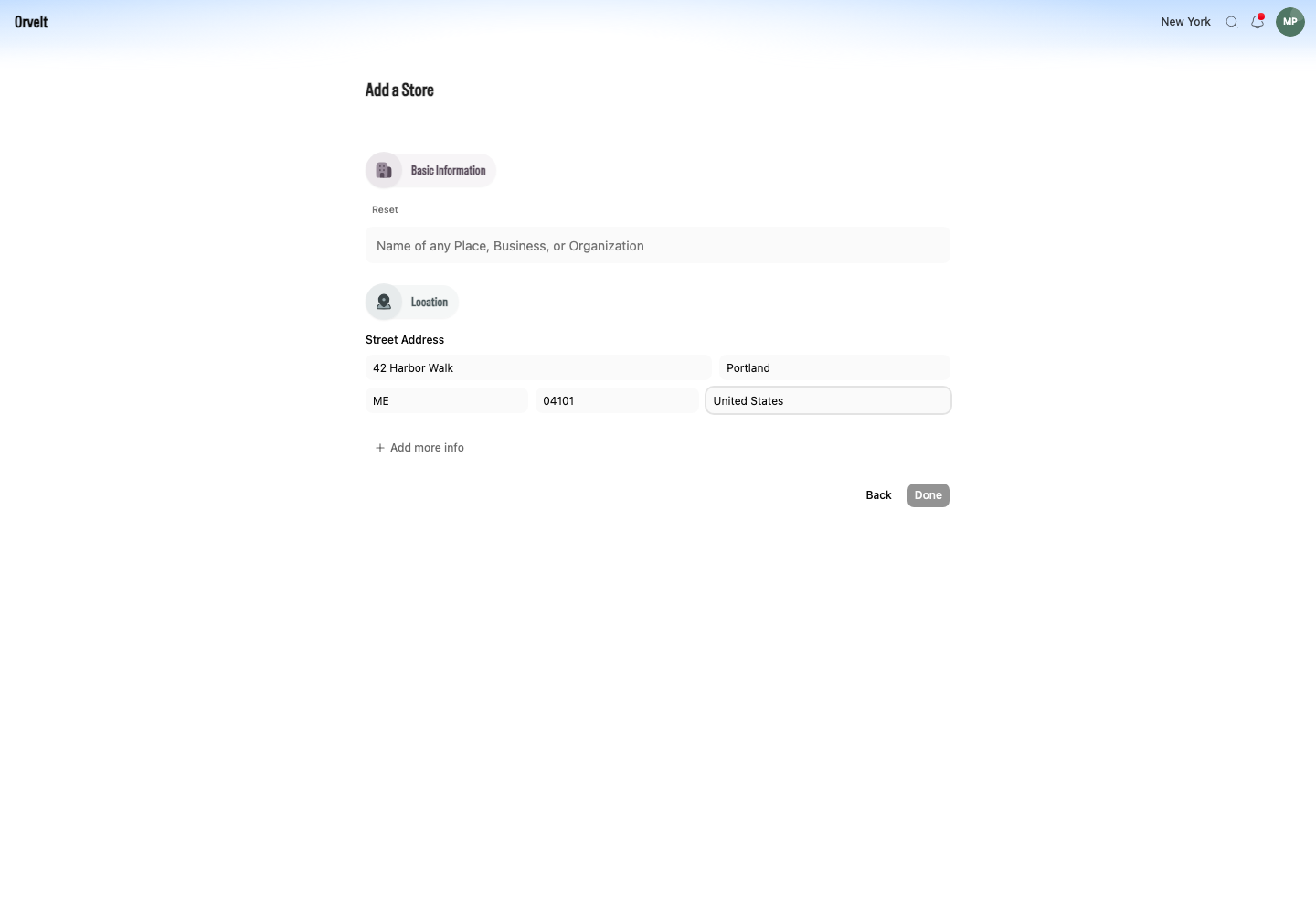
Submit a store suggestion
- Open Suggest a Store from the Storefront footer or command menu.
- In Suggestion, enter the store name and enough context for the Orvelt team to identify it.
- Select Submit suggestion.

What happens next
Orvelt confirms the submission and reviews it separately from organizations and public store records. Your suggestion remains private and does not create a tentative organization or storefront. We’ll notify you if the store is activated and goes live on Orvelt.
Suggest a project edit
To share feedback about a project, open its Storefront page and select Suggest an Edit. Enter your feedback in the dialog and submit it. Project suggestions are separate from store candidates and do not update the store’s public details.