Write an opinion
Share an experience with a store or project through the Storefront opinion flow.
Write about an experience you had with the business named on the page. You can start before signing in, but Storefront asks you to sign in before it submits an opinion from an anonymous session.
Start the opinion
Open the correct flow
- Open the store or shared project.
- Find For You and select Create. The tooltip reads Add a Review.
- Check the business name at the top of the opinion flow before you write.
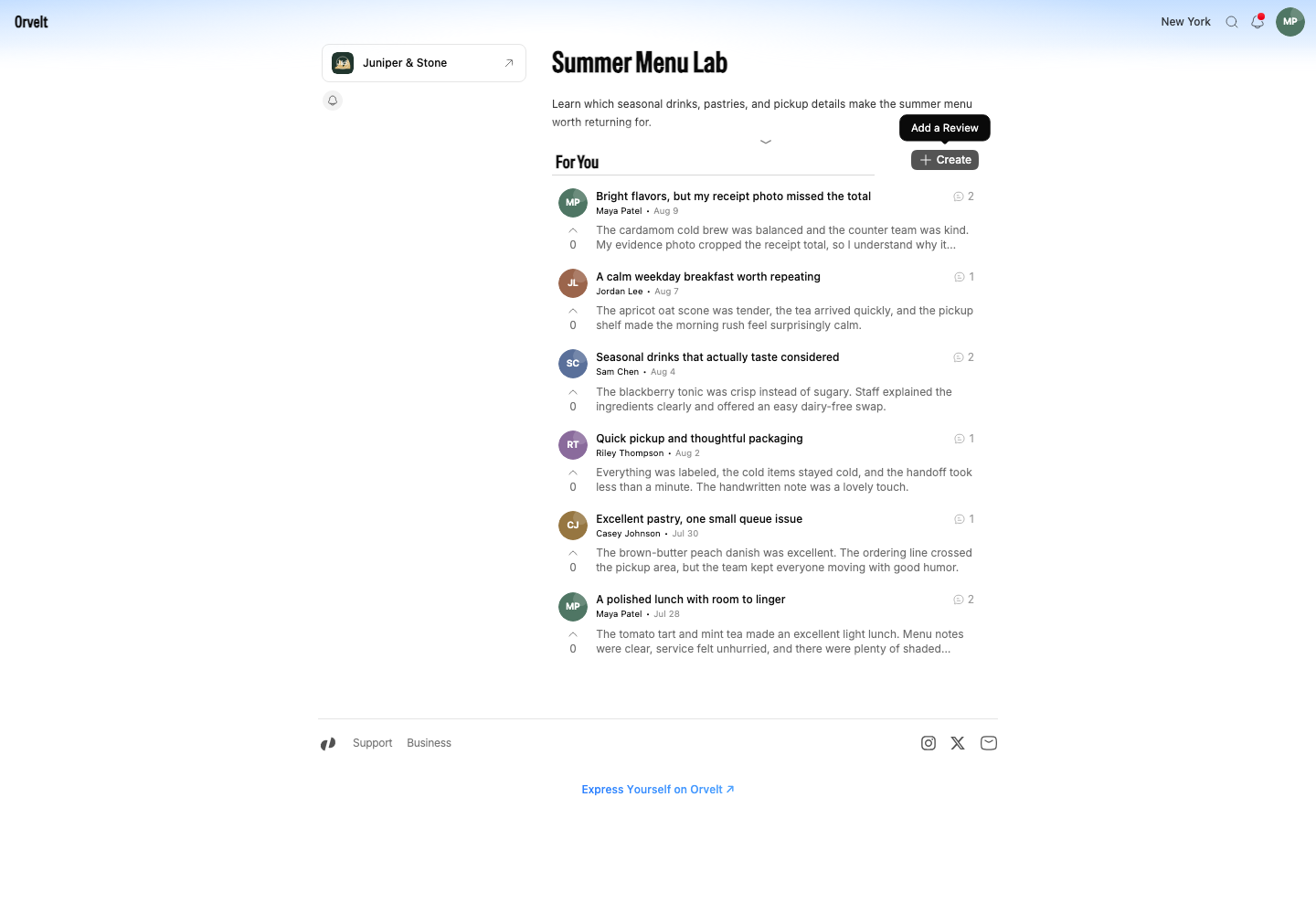
Describe your experience
Write the main opinion
Use Your opinion for the main account. Include the product or service, the part that stood out, and enough context for another customer to understand the experience. Leave phone numbers, order numbers, and other private details out of public text and photos.
Answer guided questions
The business can add guided questions. Use Next to move through them. A Private label means only you and the business can read that answer. You can also use Add photos to your opinion to attach relevant images.
Submit
Finish the final question
Answer at least one field, then select Submit on the final question. If you began in an anonymous session, select Continue to Submit, sign in, and return to the saved draft.
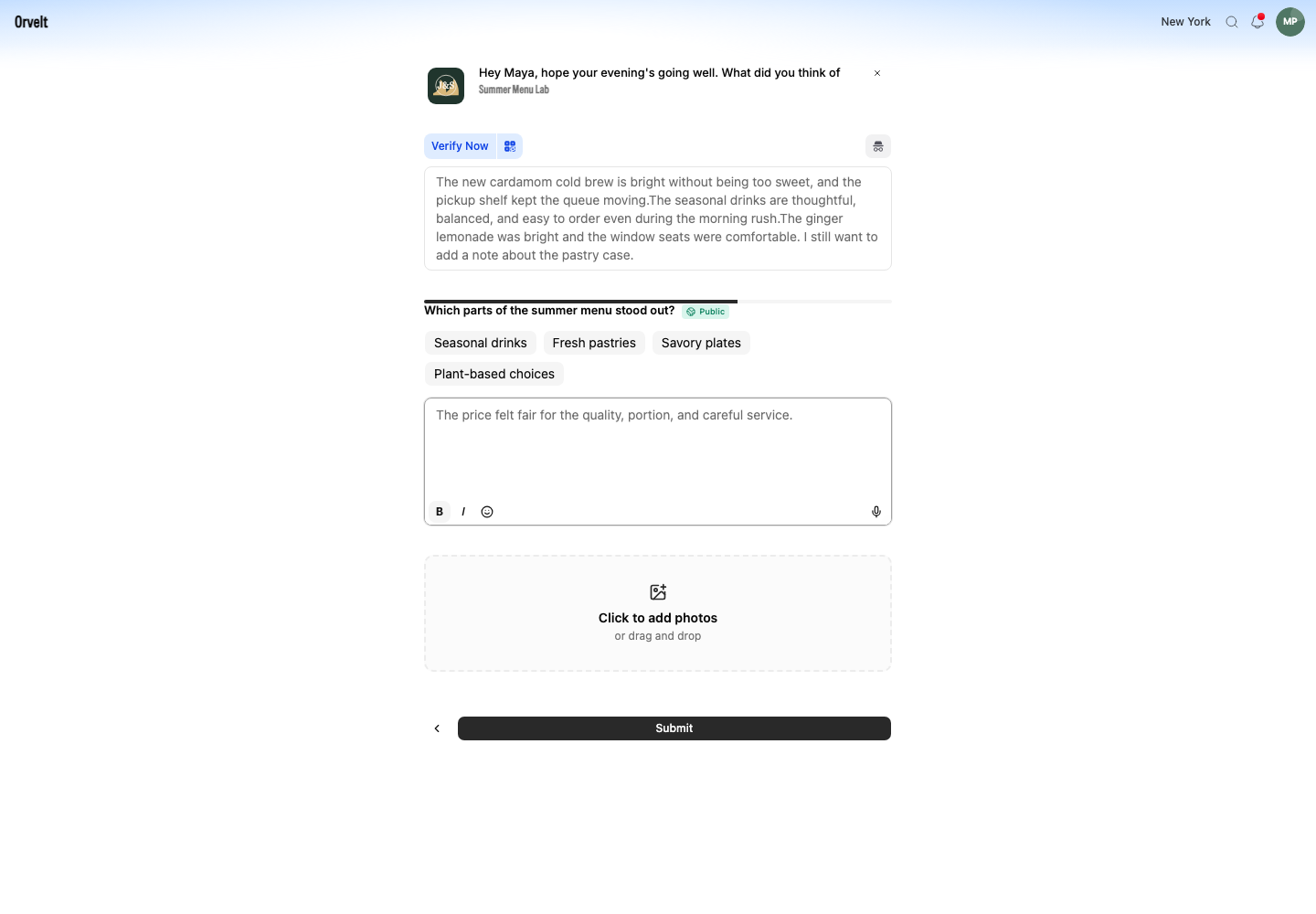
Choose whether to verify
After submission, Storefront shows Opinion submitted. You can add evidence when prompted or choose Skip and verify from Profile > Your Reviews later.
If Submit is unavailable
Add text to Your opinion or answer one guided question. Wait for photo uploads to finish before selecting Submit.