Recover an opinion after an interruption
Continue a saved draft or restart evidence verification after an interrupted Storefront flow.
The recovery path depends on whether you had selected Submit before the tab closed or the connection failed.
Before submission: open the draft
Reopen the unfinished opinion
- Sign in with the account that started the opinion.
- Open Profile > Your Reviews.
- Select the opinion card marked Draft. For a shared-project draft, reopen that project's public URL and select Create instead.
- Check the restored text and guided answers, then continue with Next or Submit.
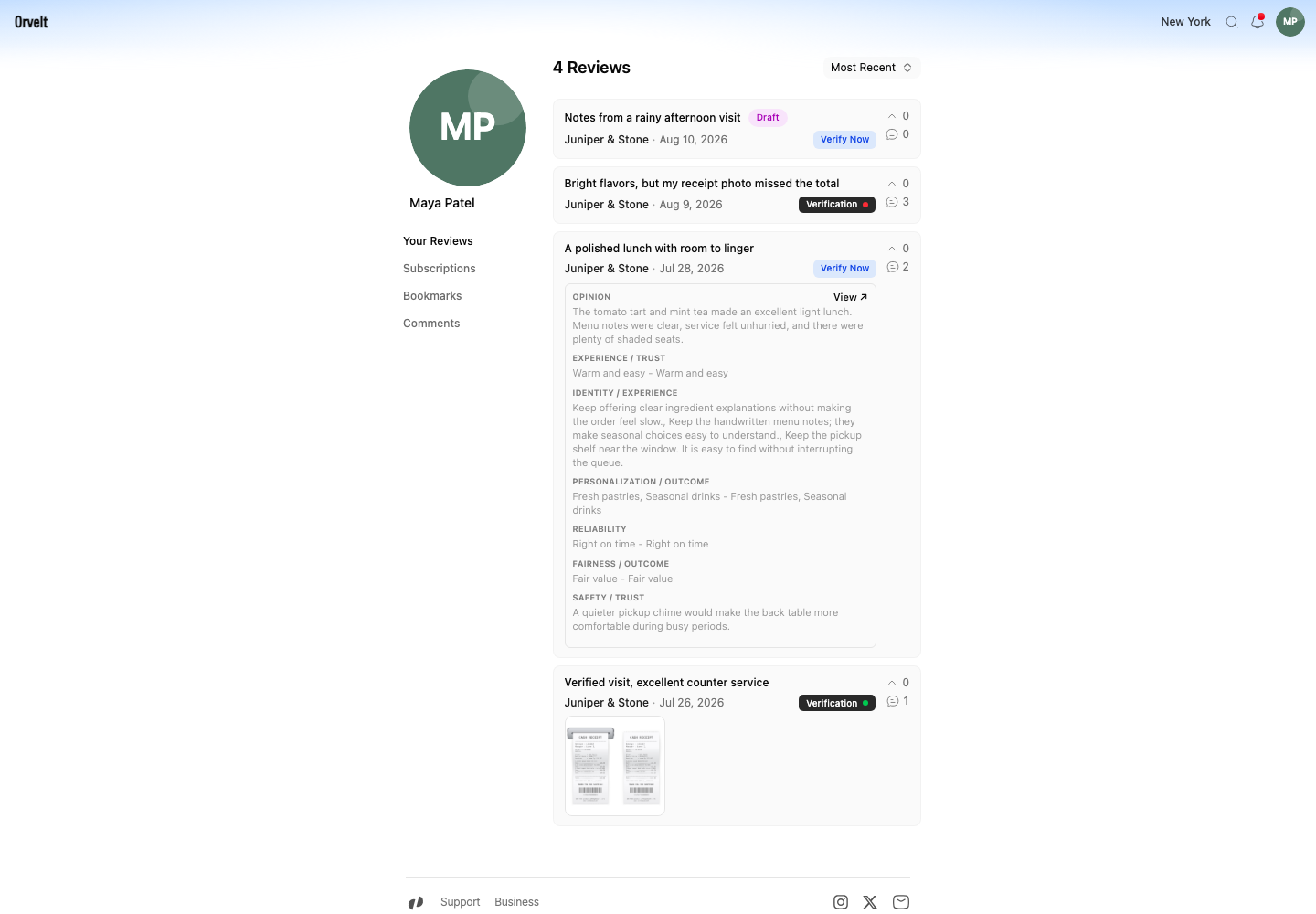
Check the latest saved response
If the draft opens at an earlier question, use Next until you reach the last restored response. The last characters typed before a connection loss may need to be entered again.
After submission: check Your Reviews
Find the submitted opinion
Look for the opinion without a Draft badge. Select the card to expand its saved text. Use View ↗ to open the published opinion on the store page.
Resume evidence verification
If the evidence step stopped, select Verify Now and upload the receipt again. If an existing receipt failed verification, open the opinion's menu, choose Restart Verification, then confirm Delete & Re-upload.
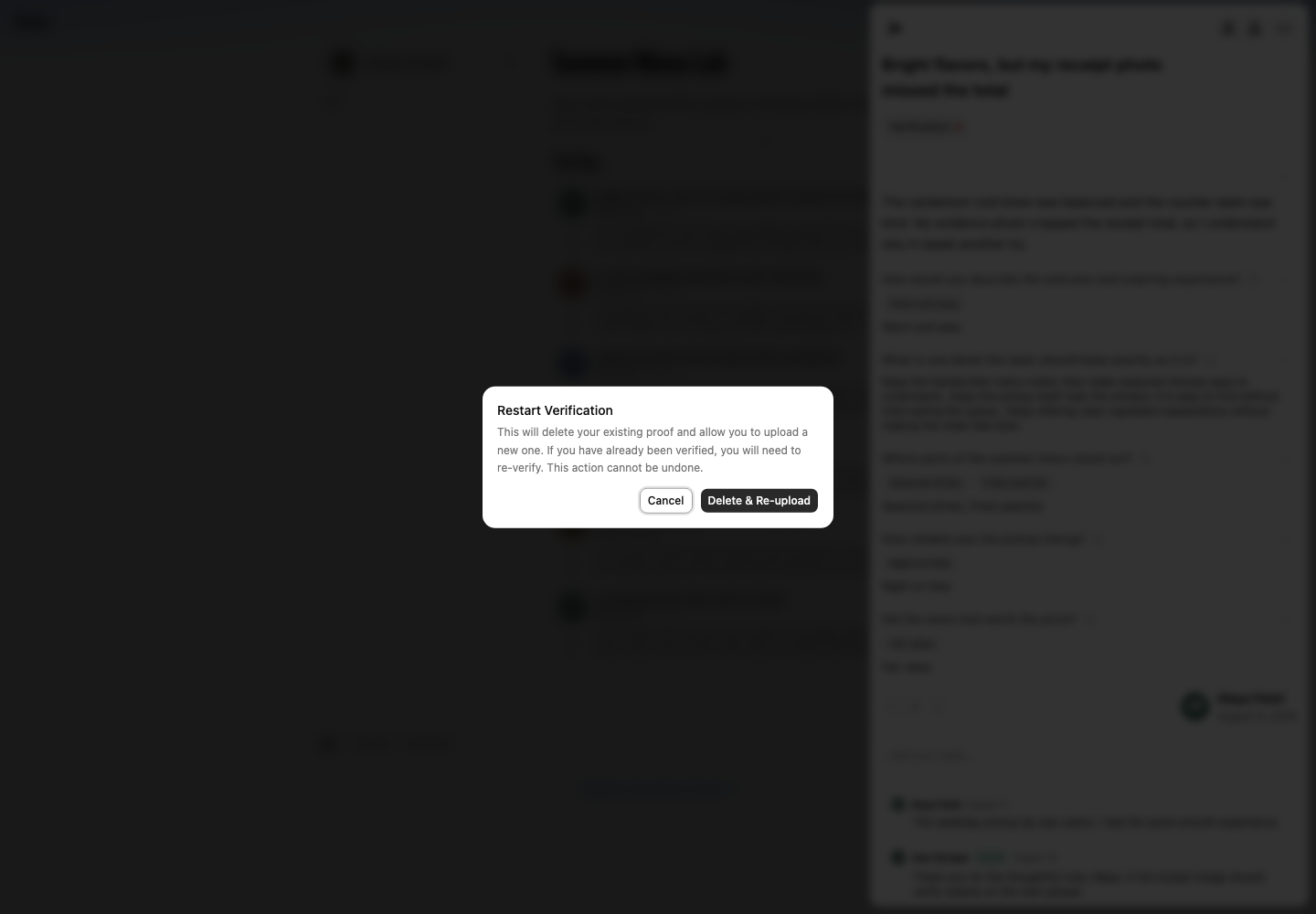
If no draft or submitted opinion appears
Open Settings > Security and check the signed-in email. Return with the account that started the flow. A canceled draft cannot be restored because Cancel review removes the draft and its saved answers.
If Storefront shows a service error before it creates a draft, return to the store page and select Create to start again.