Create a preverified customer link
Issue a one-use review link to a named customer and track it through submission.
Updated September 20, 2026
BusinessShare feedback
A preverified link connects one customer to one project after a purchase, delivery, or visit. It is intended for the email address you enter and can be used once.
Address the link
Set the recipient
- Open the project and choose Delivery > Link.
- Enter the Customer email.
- Add an optional Customer reference, such as an order, invoice, or visit number.
Links are valid for 7 days by default.
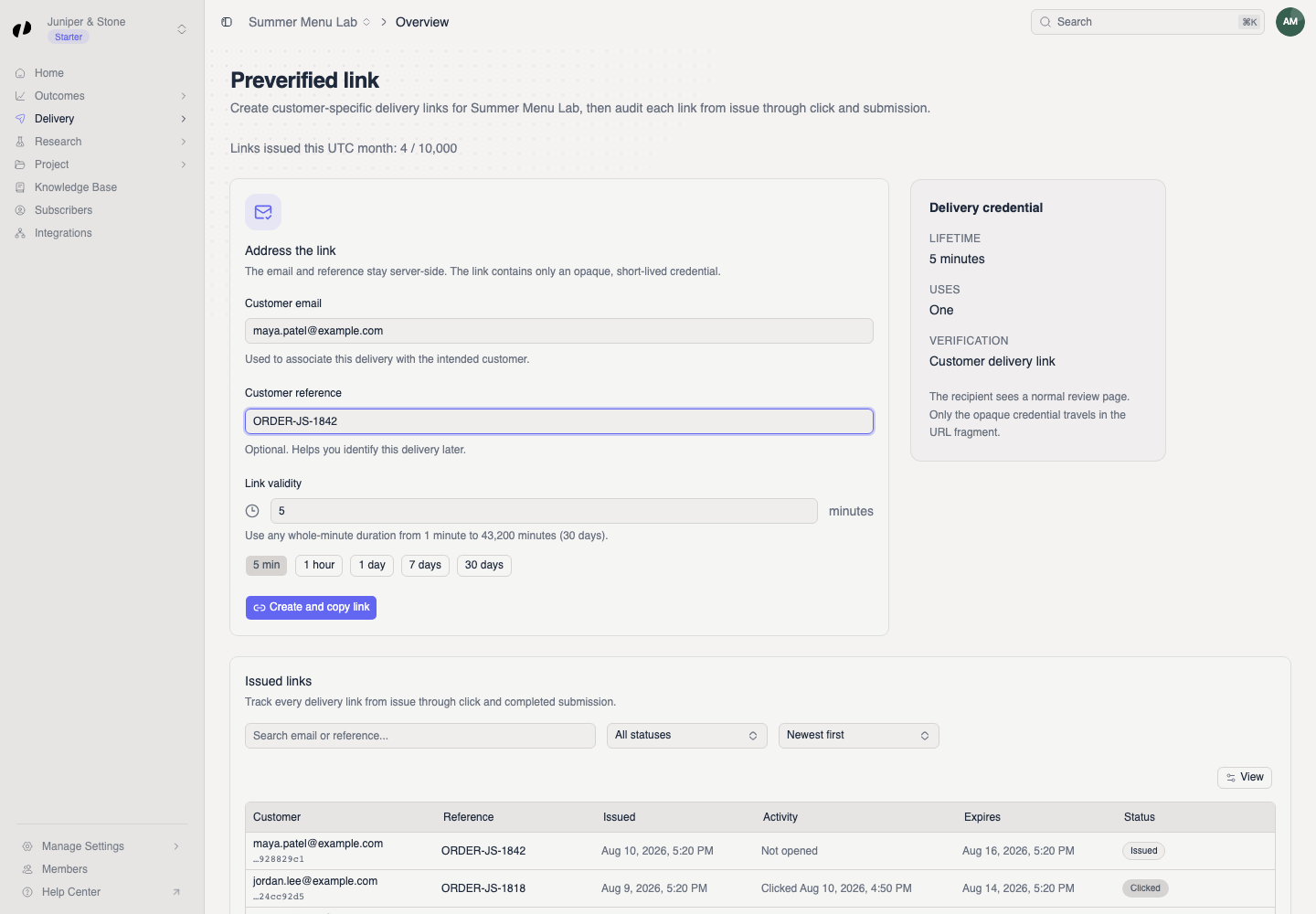
Create and copy the URL
- Select Create and copy link. Orvelt tries to copy the URL to your clipboard immediately. Send it only to the named customer.
Email the link directly
- Select Email customer, next to Create and copy link, to have Orvelt send the link to the address on file. Orvelt permits one delivery-link email per customer every 2 days. If the cooldown is still active, the page shows an error and does not create another link; retry later.
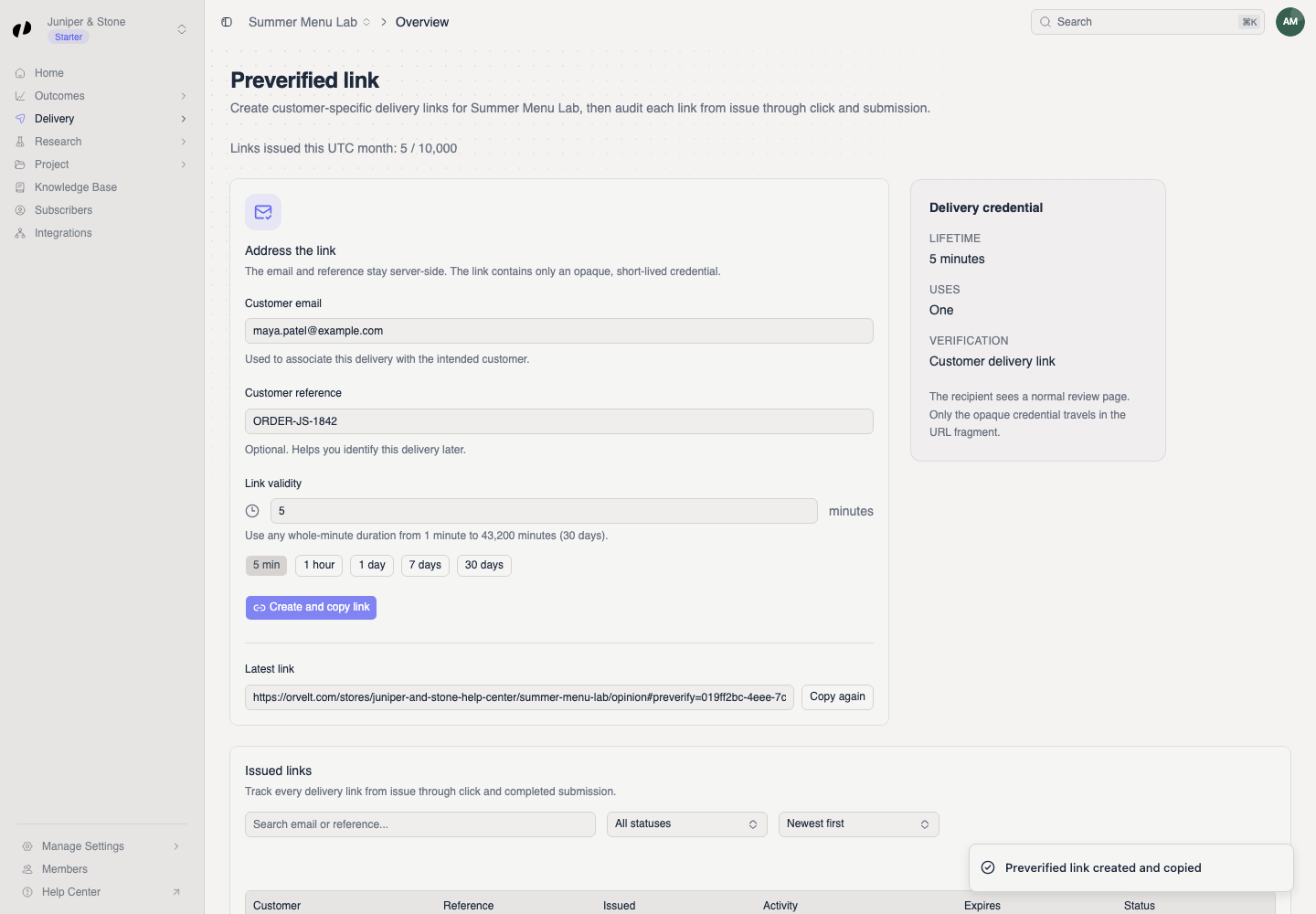
Check delivery status
Track use and expiry
Use Issued links to search by email or reference and filter by Issued, Clicked, Submitted, or Expired. The row records issue, activity, and expiry times.
If the link expires before use, create a new one. Do not publish a customer-specific link or send it to another person.