Share a verified opinion QR code
Create a permanent or rotating QR code for a project's opinion page.
The QR codes page creates project-specific codes that open the opinion workflow. When a valid scan starts or resumes a draft, Orvelt records whether the customer used a permanent or rotating QR code. The customer does not need to submit the opinion before that verification appears on the draft.
Each project has its own QR credentials. A code from one project cannot verify an opinion for another project. A QR verification proves access to the displayed code, not identity, purchase, or physical location.
Choose a code type
Permanent QR
Use a permanent code on printed signs, cards, receipts, or packaging. It has no time-based expiry and keeps the same destination until you regenerate or revoke it.
Regenerating a permanent code immediately stops existing printed copies from verifying new opinions. Previously completed opinion verifications remain unchanged.
Rotating QR
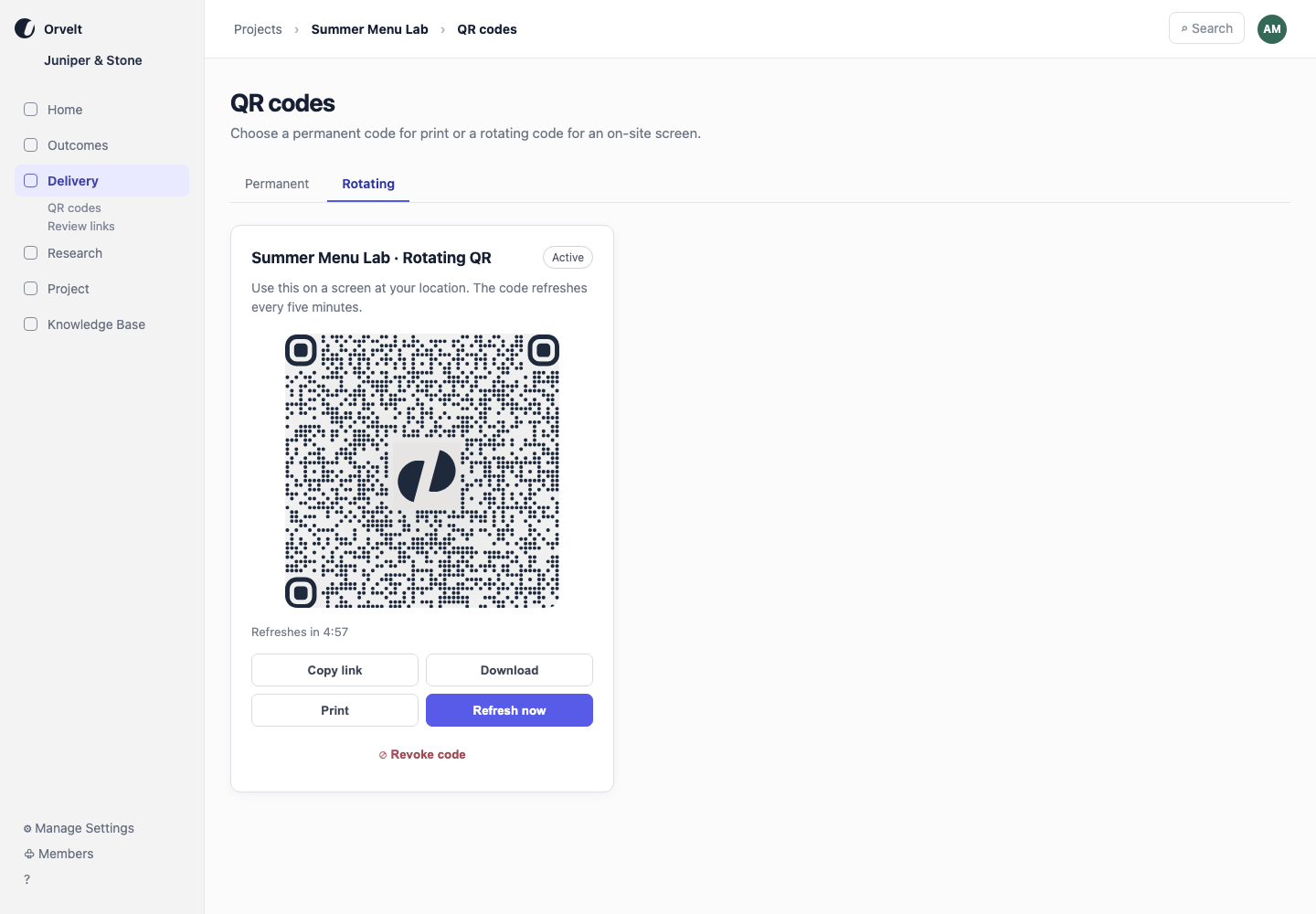
Use a rotating code on a screen at your location. The displayed code refreshes every five minutes. Refreshing keeps the same project destination without creating a new delivery link or record.
A customer who scans just before a refresh has a short grace period to open the opinion workflow. After that, they must scan the current code.
Create and display a code
- Open the project and choose Delivery > QR codes.
- Choose Permanent or Rotating.
- Select Create permanent QR or Create rotating QR.
- Test the code with a phone before displaying or printing it.
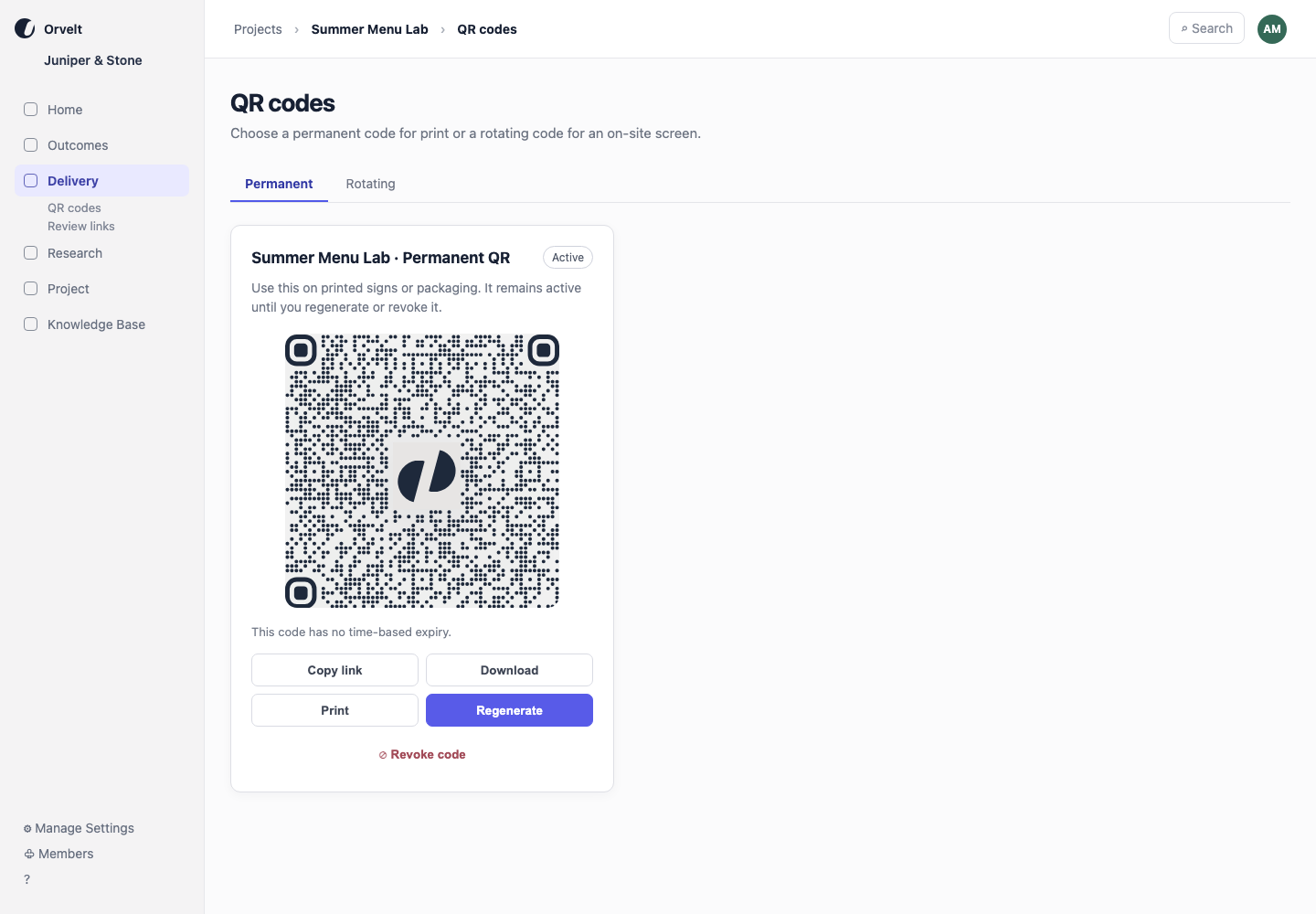
Use Download, Print, or Copy link for a permanent code. Keep the QR codes page open when displaying a rotating code so it can refresh automatically. A copied or downloaded rotating code expires after its current window and short grace period.
Revoke or regenerate a code
Select Revoke code to stop the code from verifying new drafts immediately. For an active permanent code, select Regenerate to replace its credential. A revoked permanent or rotating code shows Regenerate code, which creates a new credential and makes that code type active again.
Neither action changes existing verification history. A draft that already recorded the QR verification keeps that record; customers opening an invalidated copy afterward must scan the new code.