Set project priorities
Rank the qualities that matter to the project and choose which ones appear on its Research Radar.
Updated August 10, 2026
BusinessFeedback
Priorities rank the qualities your team wants to research, such as trust or reliability. Orvelt saves changes as you make them.
Rank the qualities
Reorder one quality at a time
- Open the project and choose Research > Priority.
- Drag the handle beside a quality to move it higher or lower.
- Wait for the row to settle before making the next change.
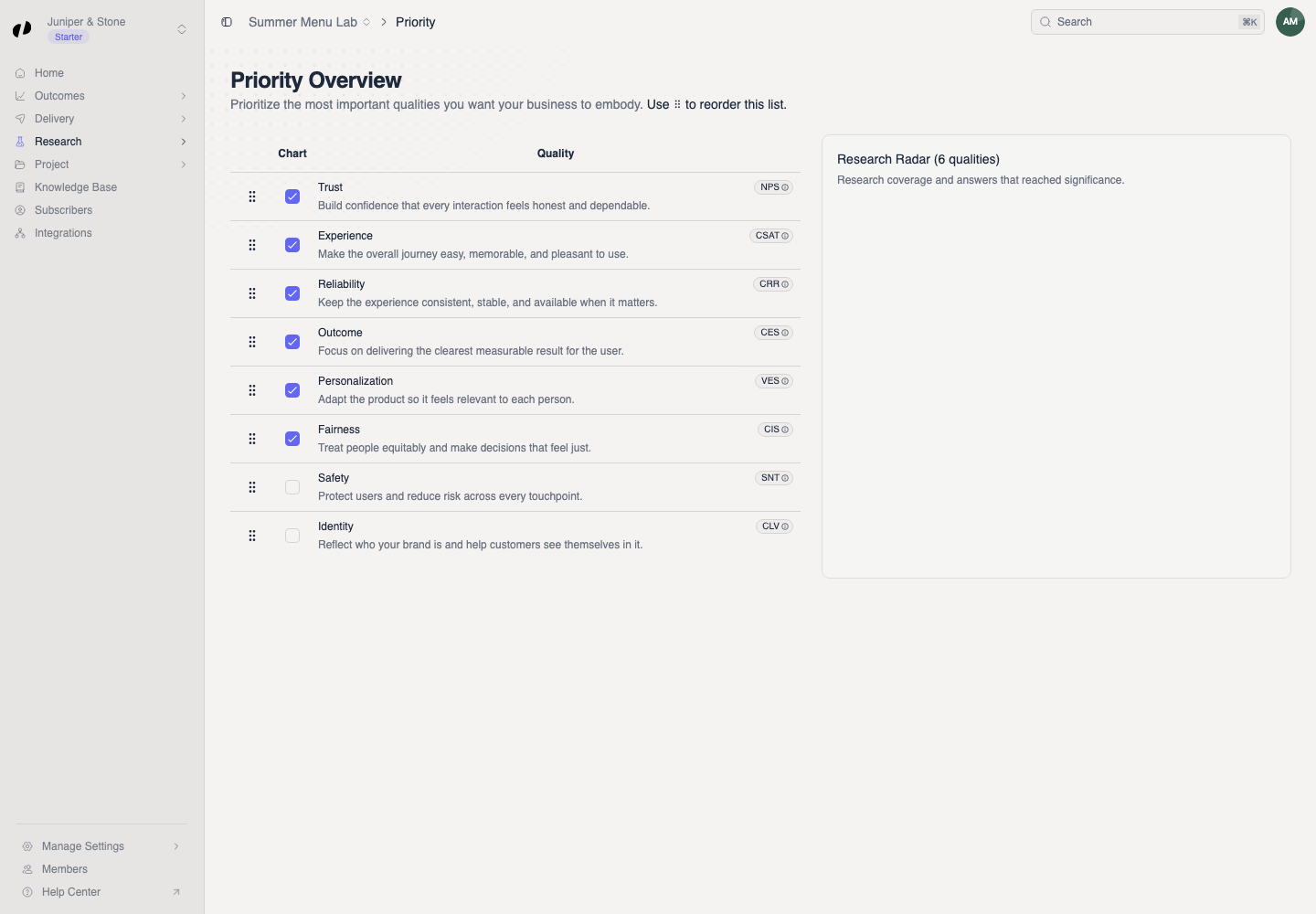
Choose the radar view
Select chart qualities
Use the checkbox in the Chart column to include or remove a quality from Research Radar. At least one quality must remain selected.
Interpret the comparison
The radar compares Research coverage with Answered to significance for the selected qualities. Use it to spot areas that still need useful customer answers; do not treat it as a customer satisfaction score.
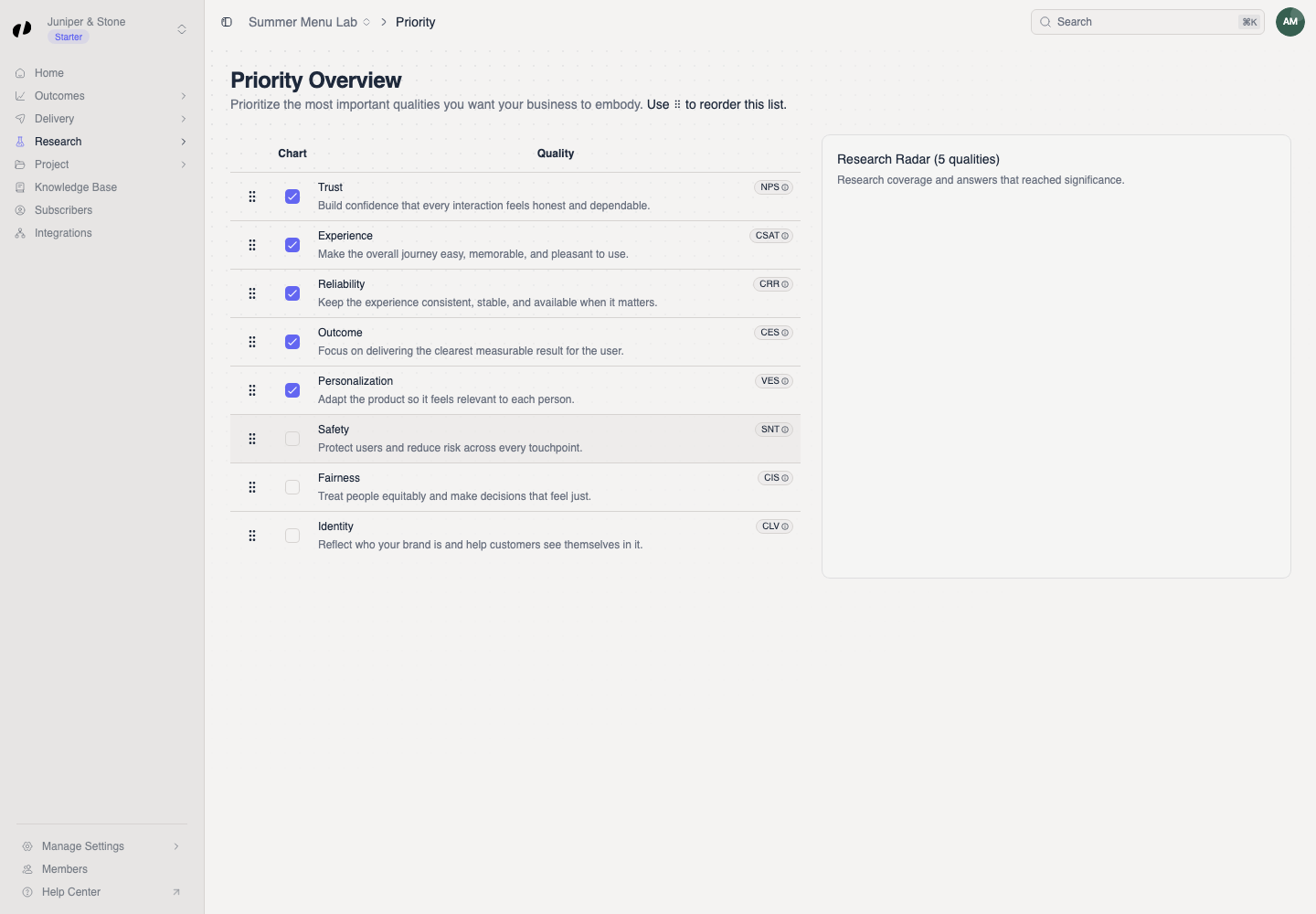
Confirm the order
Reload the page. The qualities should keep their order and chart selection. If they return to the old order, wait for any pending save to finish and try one move at a time.