Set feedback goals
Record the decisions and questions that should guide a project's customer research.
Updated August 10, 2026
BusinessFeedback
A project goal states what your team needs to learn. Write a specific decision or uncertainty, not a broad slogan.
Add a goal
Write a specific learning goal
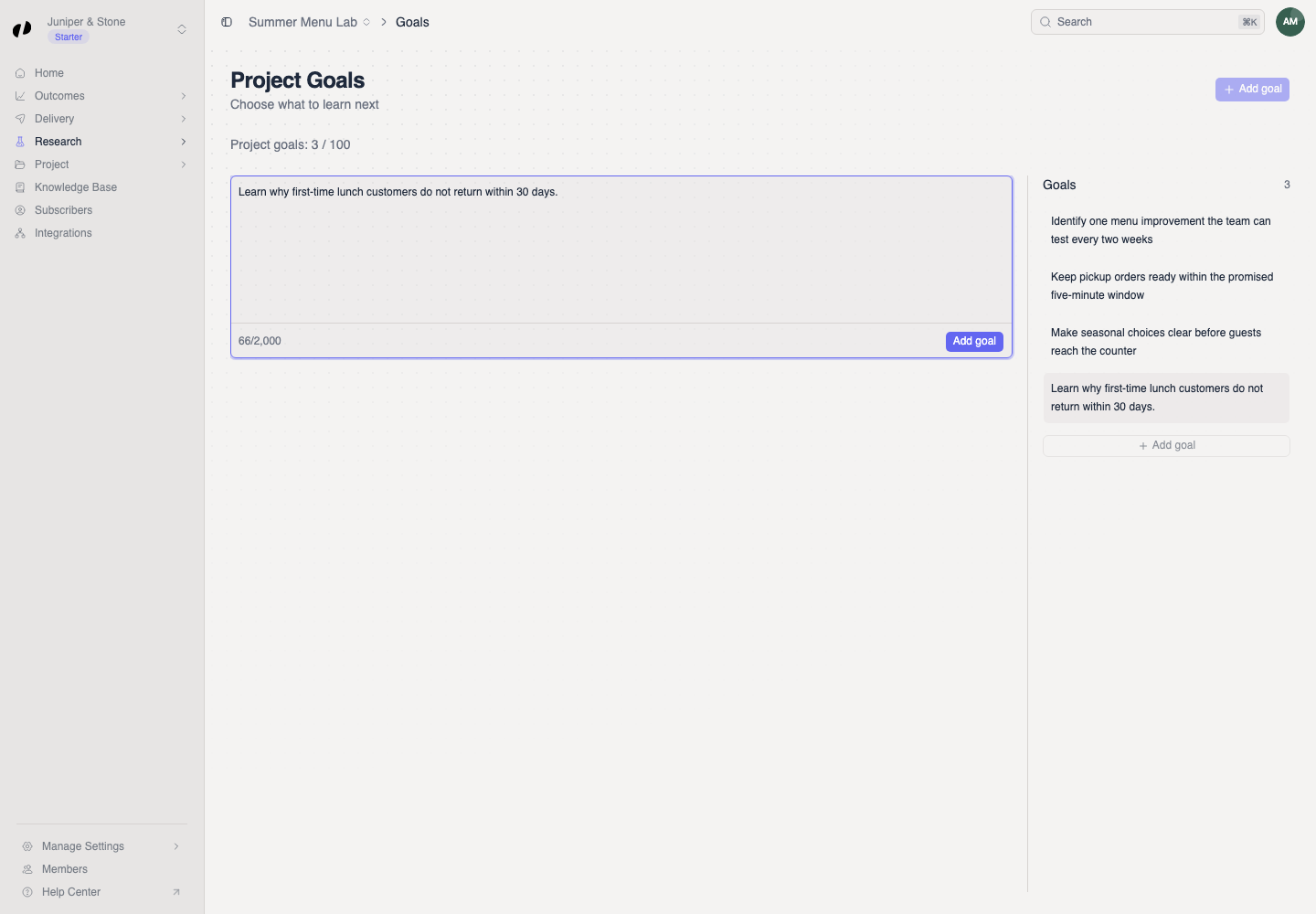
- Open the project and choose Research > Goals.
- In the editor, answer What do you need to learn?
- Select Add goal.
For example: “Learn why first-time lunch customers do not return within 30 days.”
Edit or remove a saved goal
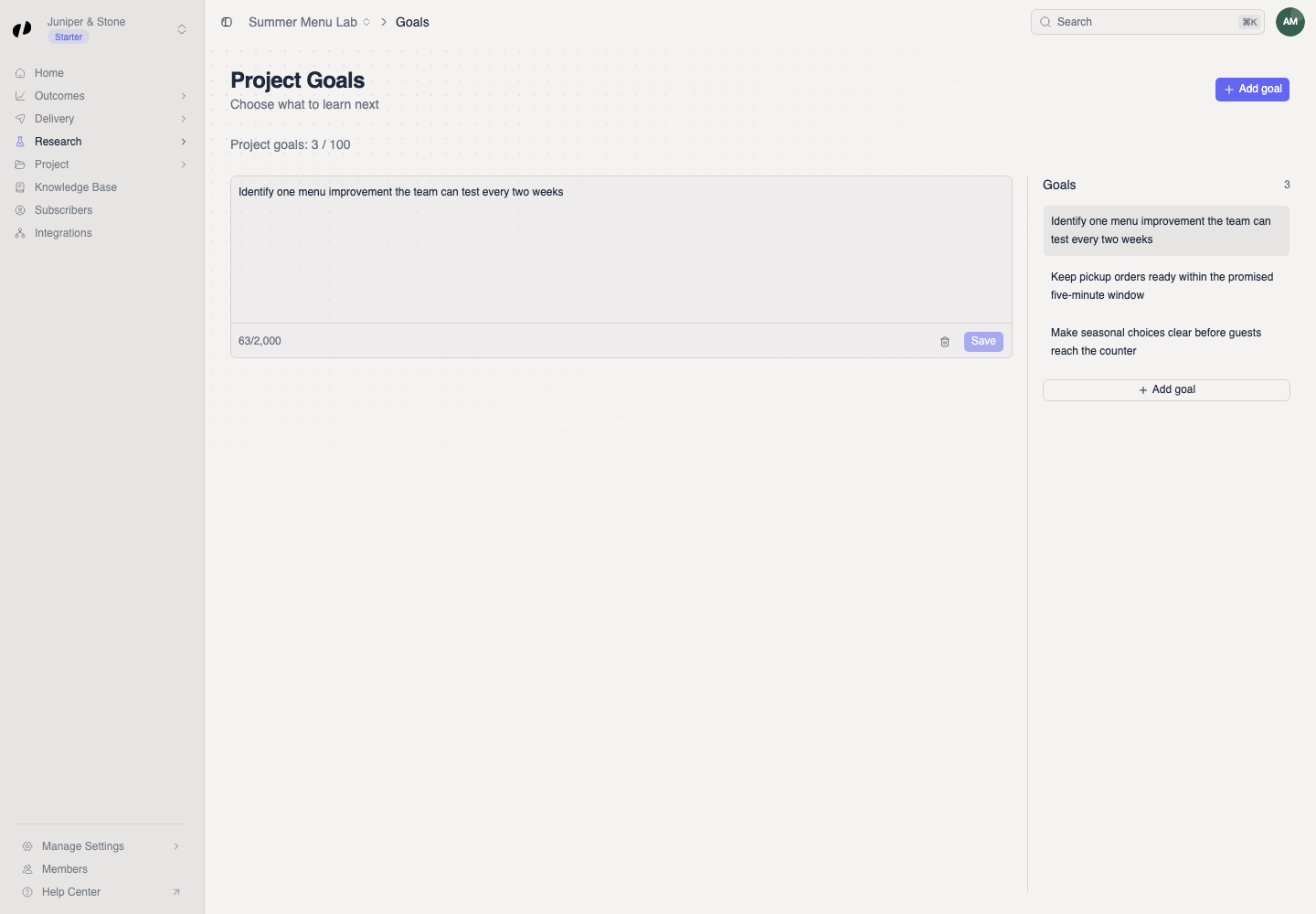
The new goal appears in the Goals list. Select it to edit the wording, then choose Save. Use the delete control only when the team no longer needs the goal.
If the goal will not save
- Make the goal more specific and keep it under 2,000 characters.
- If the project has reached its goal limit, remove an obsolete goal or ask an owner to review Billing.
- Confirm that you opened the intended project before adding the goal.