Review customer opinions
Search, filter, sort, and open the opinion threads submitted to a project.
Updated August 10, 2026
BusinessFeedback
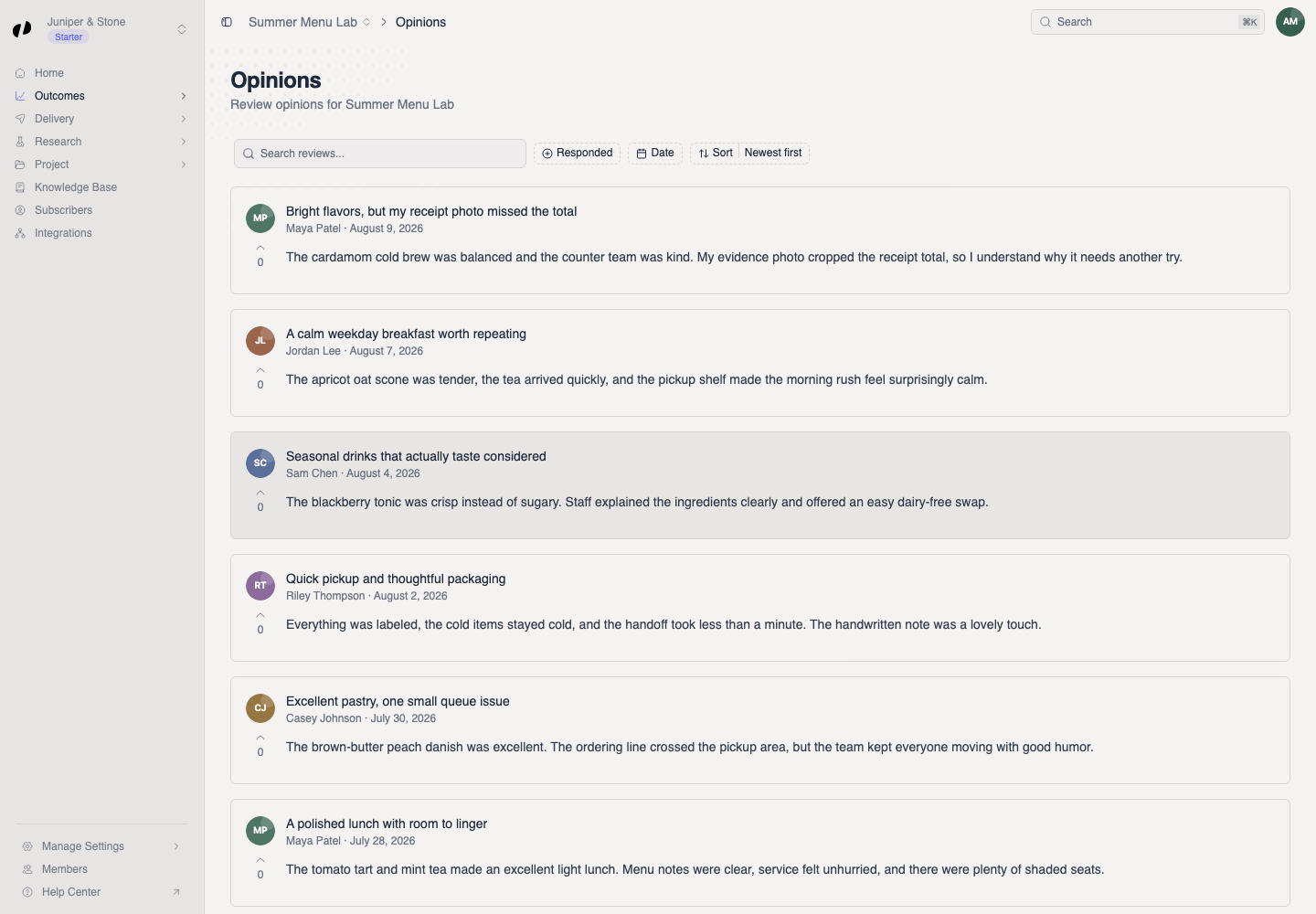
The Opinions page shows the main written opinion from each completed review. Answers to your project questions appear separately under Answers.
Find an opinion
Search and narrow the list
- Open the project and choose Outcomes > Opinions.
- Use Search reviews... to search the visible opinion text.
- Use Responded to show all, responded, or unresponded opinions.
- Use Date to limit the submission period.
- Sort by newest, oldest, most upvoted, or least upvoted.
Open the thread
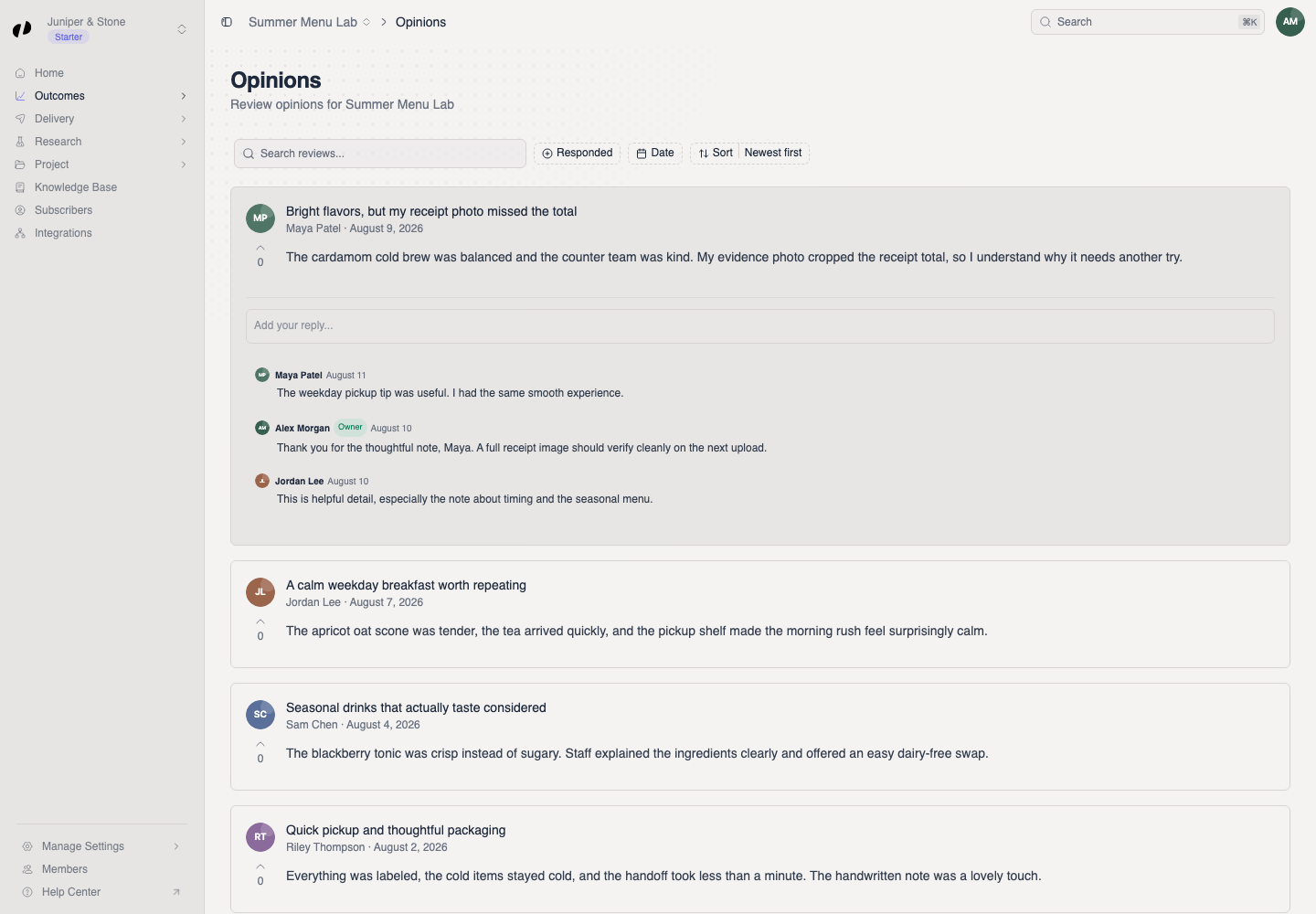
Expand the opinion in place
Select an opinion card. It expands in place to show the comment thread and Add your reply... field. Select the card again to collapse it.
If an opinion is missing
- Select Reset to clear active filters.
- Confirm that you opened the project where the customer submitted the review.
- A review must be completed before its opinion appears here.