Review customer receipts
Search the receipts attached to project reviews and check their verification status and image.
Updated August 10, 2026
BusinessFeedback
The Receipts Validation page is a read-only view of receipt evidence customers uploaded for a project. Verification status comes from the receipt workflow; this page does not provide approve or reject controls.
Open the receipt list
Build the direct project URL
Receipts is not currently shown in the project sidebar. Open the Business URL for the project and use this path:
/projects/<project-slug>/receipts
Replace <project-slug> with the project slug in its other Business pages.
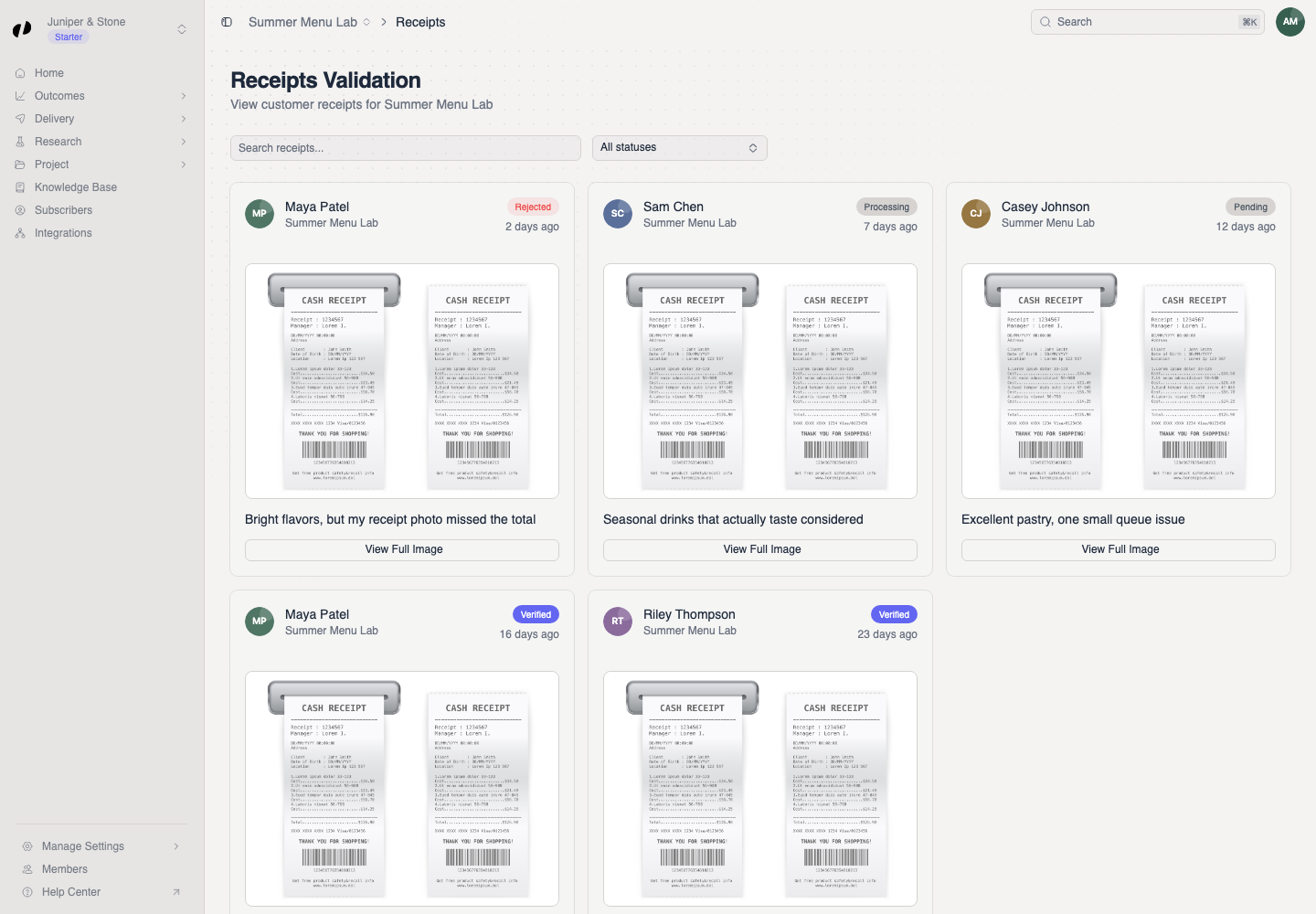
Find and inspect a receipt
Search and filter the evidence
- Use Search receipts... to narrow the cards.
- Filter by Pending, Processing, Approved, Verified, or Rejected when needed.
- Check the customer, linked opinion title, uploaded time, status, and image preview.
- Select View Full Image to open the original in a new tab.
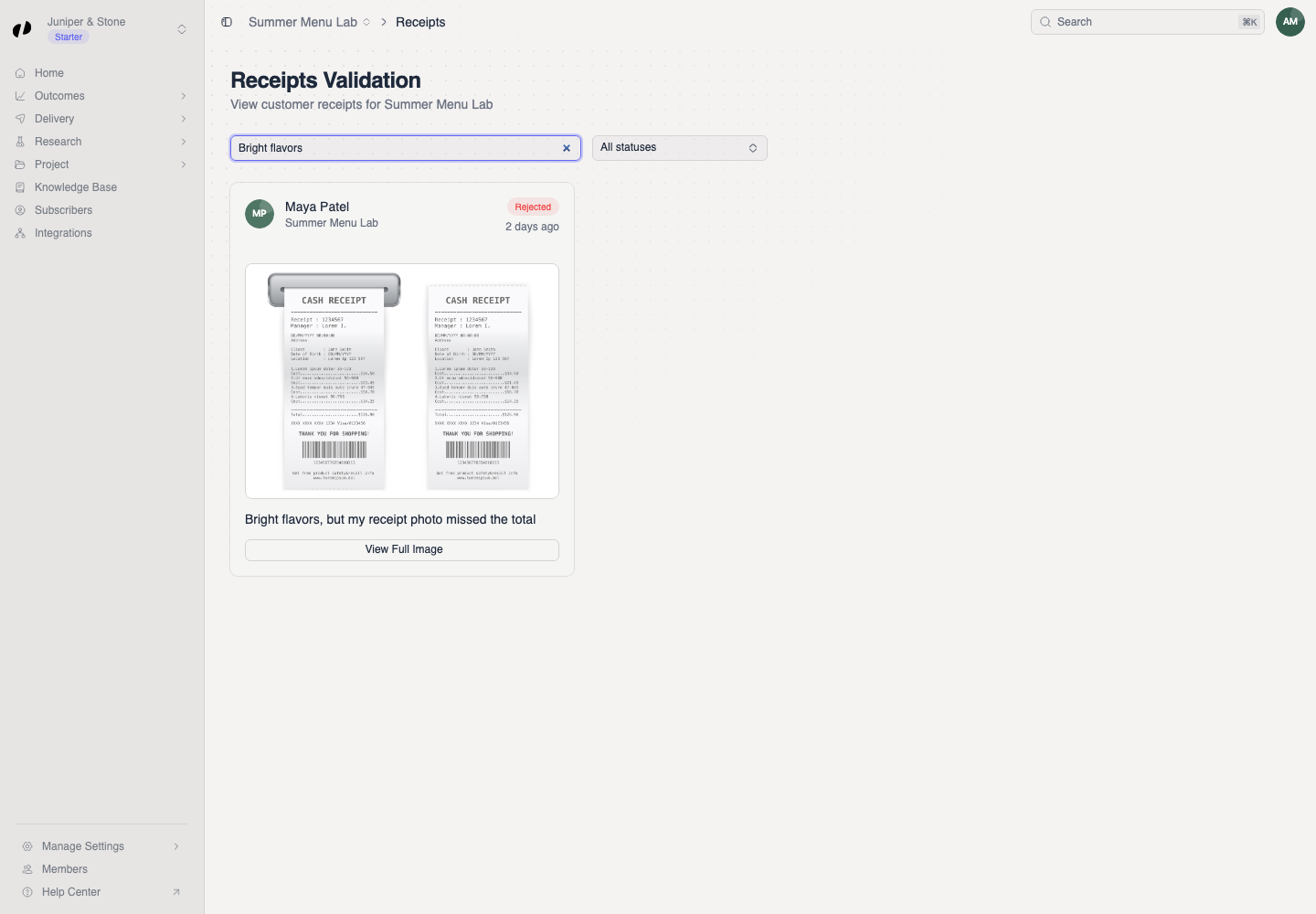
If evidence is incomplete
- Receipt image unavailable means the original cannot be displayed from this record.
- Unlinked receipt or No linked opinion means the card does not currently have review context.
- Clear the search and status filter before concluding that a receipt is missing.