Set up a Business organization
Create your Business organization, connect its public Storefront, and choose what Orvelt should help you learn.
Your Business organization holds your public Storefront, projects, members, and billing. If you already manage an organization, use the organization switcher and select Add organization to start this setup.
Enter the business identity
Match or create the Storefront
On Let's connect you with users that love you:
- Search for your business name. Select its existing Storefront result when one appears, or enter a new business.
- Add a logo, description, and at least one category.
- Check the public URL. The indicator beside it must show that the URL is available.
- Select Continue.

Add contact information
Verify public contact details
Enter the phone number customers can use. Verify the number when Orvelt asks for a code. Add the website and social usernames that belong to the business, then select Continue.
Leave Use this number for the business selected only when the verified number should also appear as the business phone.
Choose outcomes
Complete the research setup
Rank the outcomes Orvelt should optimize for, choose the marketing channels you use, and add marketing spend if it helps describe the business. Select at least one outcome, then choose Complete Onboarding.
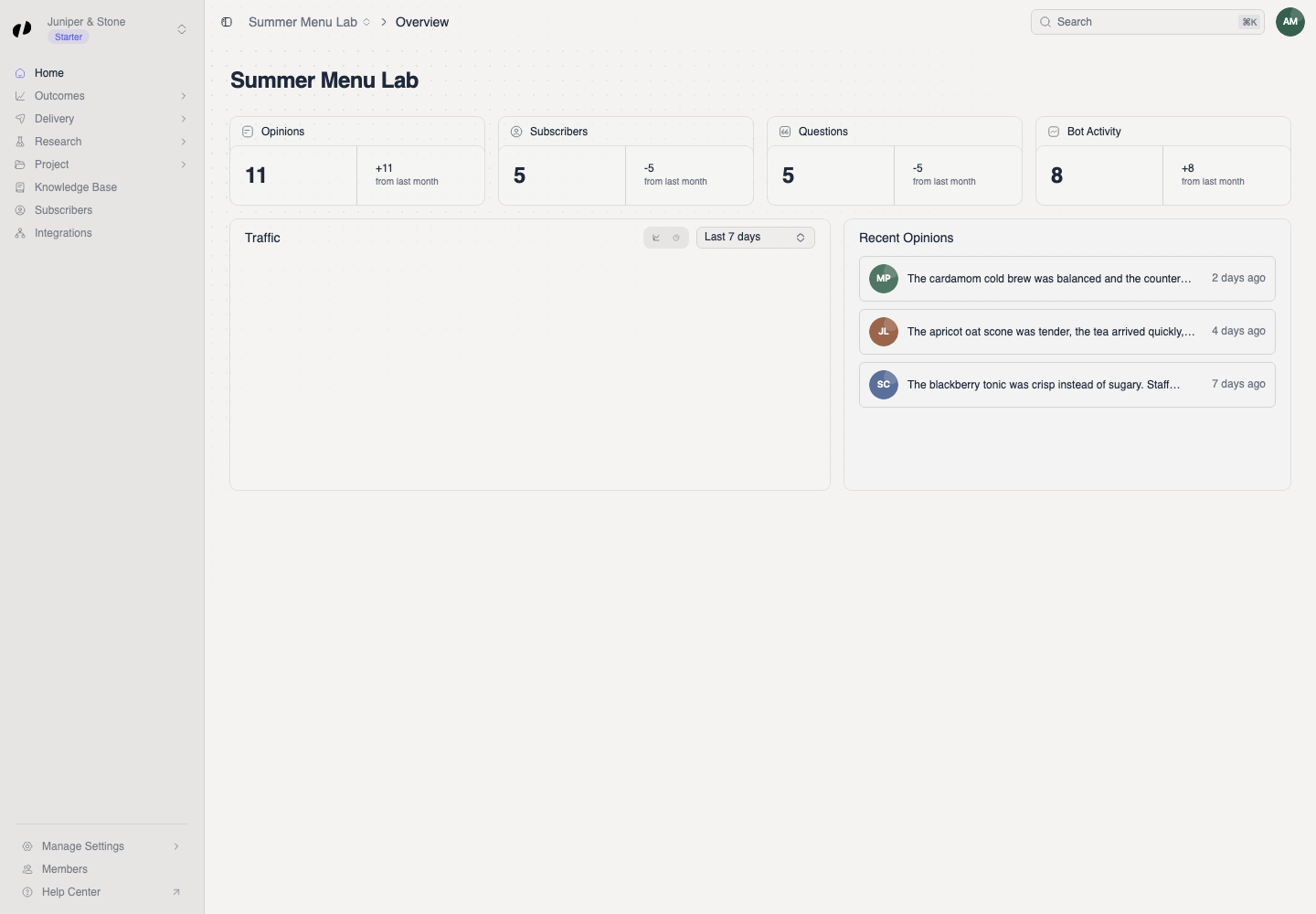
Orvelt creates the organization and its Storefront project, then opens the Business dashboard.
If setup does not finish
- If the public URL is taken, change its final segment and wait for the available indicator.
- If phone verification fails, request a new code and use the newest one.
- If the organization already appears in the switcher, select it before starting another setup.