Update public Details
Keep the business name, public URL, description, contact details, logo, social links, and categories accurate.
Updated August 10, 2026
BusinessStorefront
These details describe the business on the customer-facing Storefront. They are separate from your personal Business profile.
Update the main details
Save identity and contact information
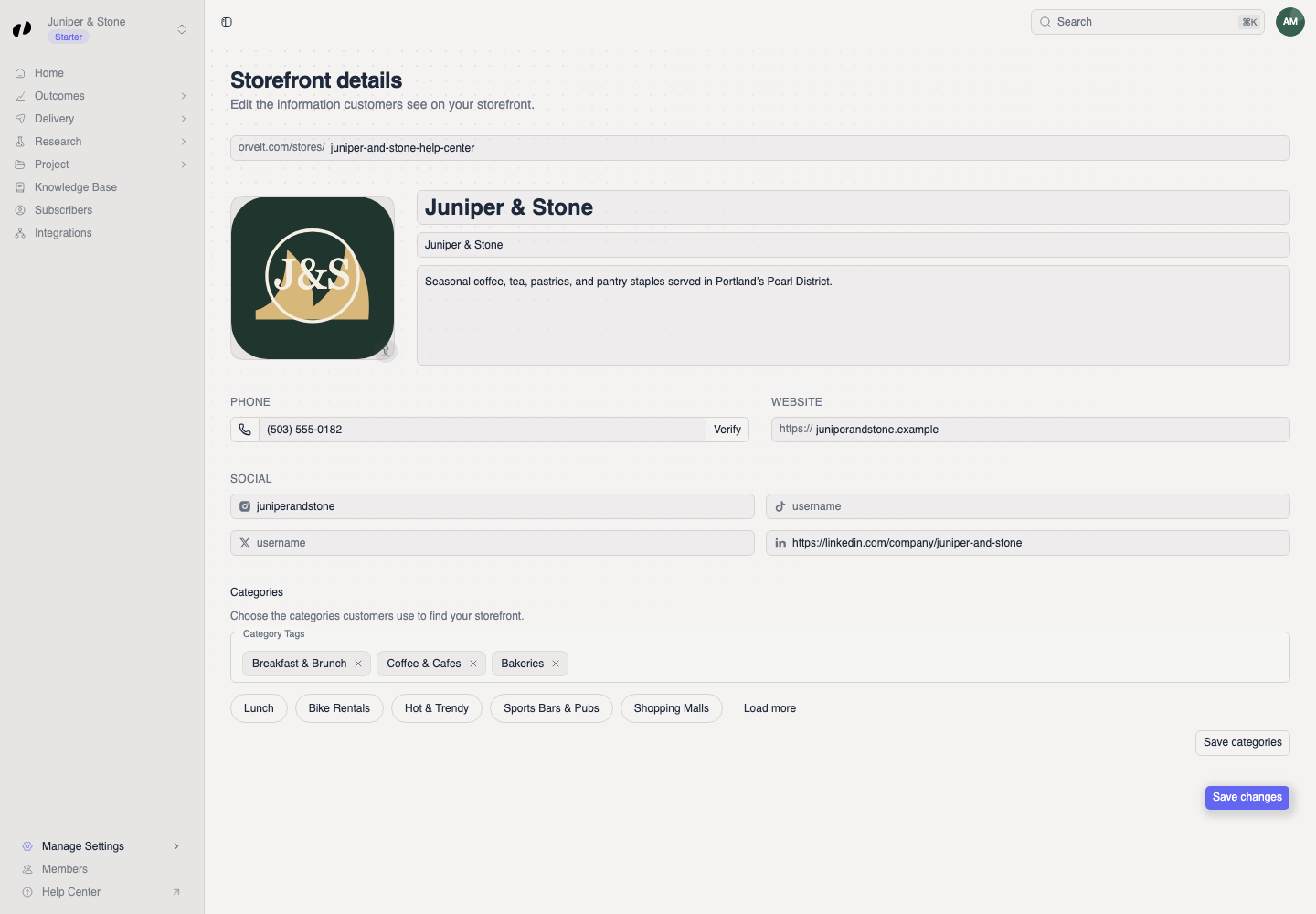
- In Orvelt Business, open Manage Settings > Details.
- Update the business name, tagline, description, phone, website, or social usernames.
- Select the logo to upload a replacement when needed.
- Select Save changes. The Storefront updated message confirms the save.
Change the public URL or categories
- To change the URL, edit the text after
orvelt.com/stores/. Wait for the available indicator, then select Save. - To change categories, choose the relevant categories and select Save changes with the rest of the storefront details.
Changing the Storefront URL also changes the address customers use. Update links you have already shared.
Check the customer view
Review the published Storefront
Open orvelt.com/stores/<your-store-url> in a new tab. Confirm the logo, name, description, contact links, and categories match the saved values.
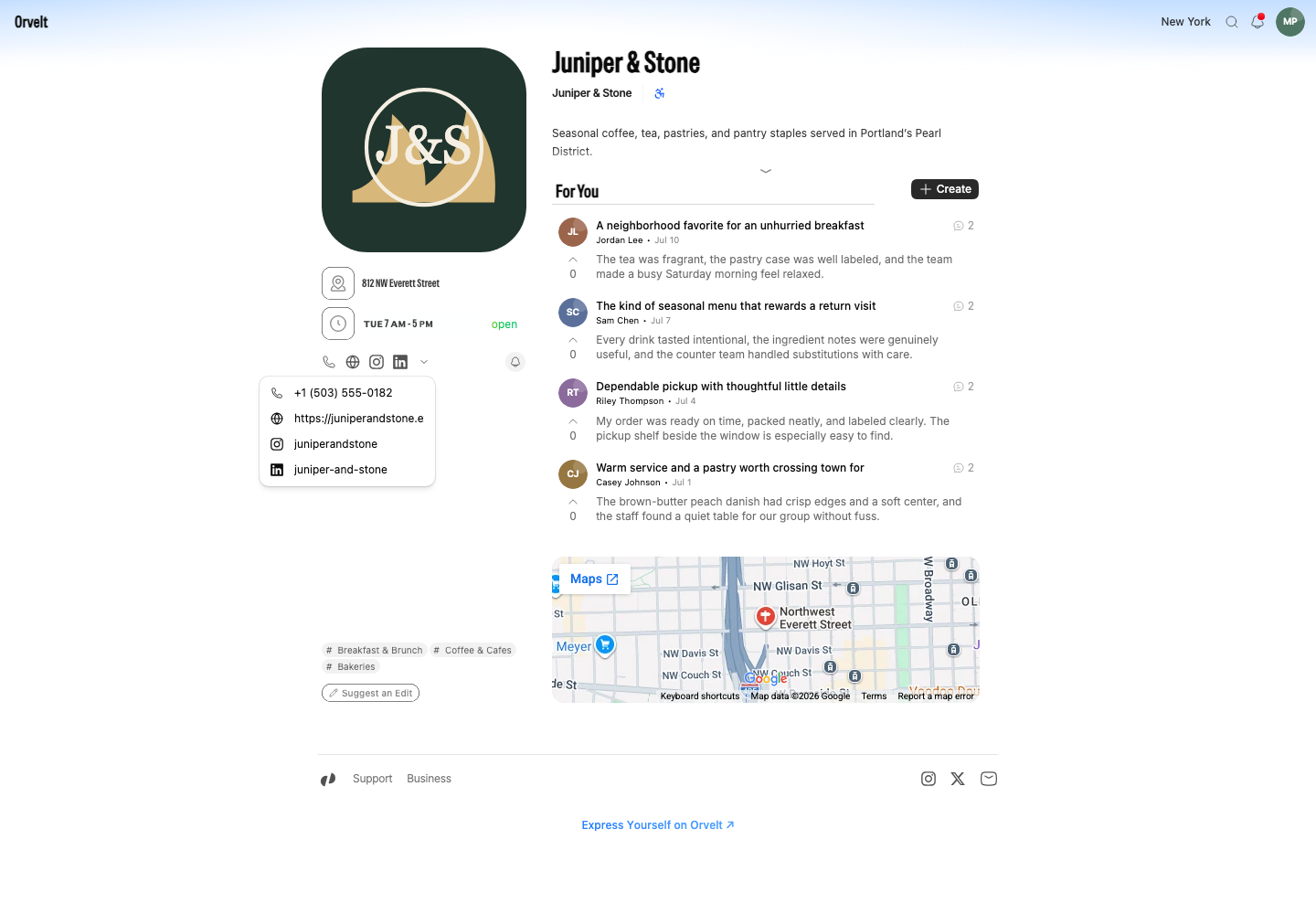
If a change is missing, reload the public page after the save message appears. A pending business cannot edit its Storefront until Orvelt approves it.