Add business knowledge
Save a public webpage or an internal text note in the organization's Knowledge area.
Updated August 10, 2026
BusinessKnowledge base
Knowledge belongs to the organization, not one project. Add source material that your team can keep current, such as return policies, service details, or approved product information.
Add a webpage
Save a public source
- Open Knowledge Base in Orvelt Business.
- Select the Link tab.
- Enter a public webpage URL and select Add link.
- Select the new item under Saved knowledge and review its Scraped markdown.
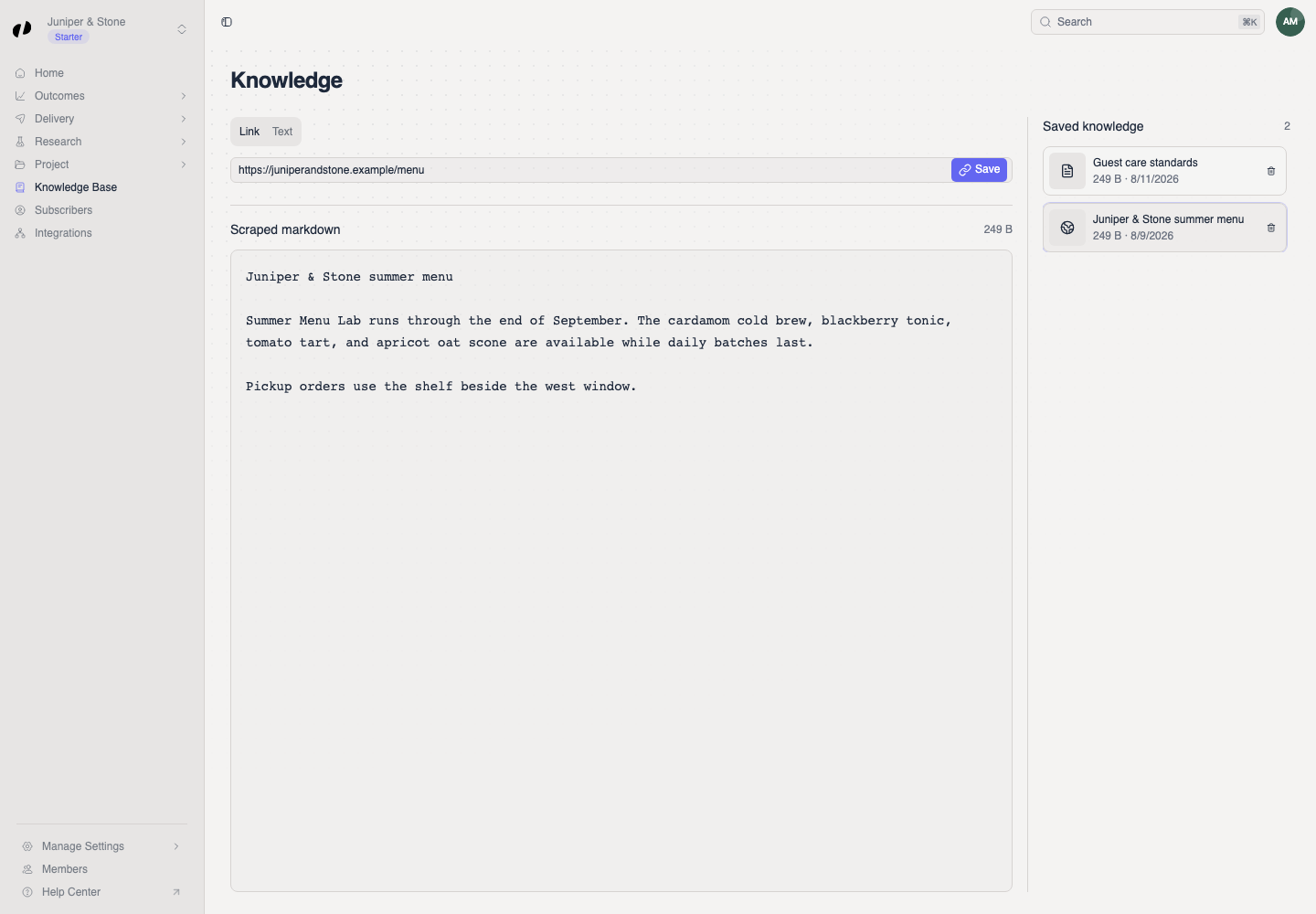
Check the imported content
Use a page that is publicly reachable without signing in. If the scraped markdown is empty or incomplete, correct the source page or add its essential information as a text note.
Add a text note
Save internal context
- Select Text.
- Enter the approved information in Add a note.
- Select Add note.
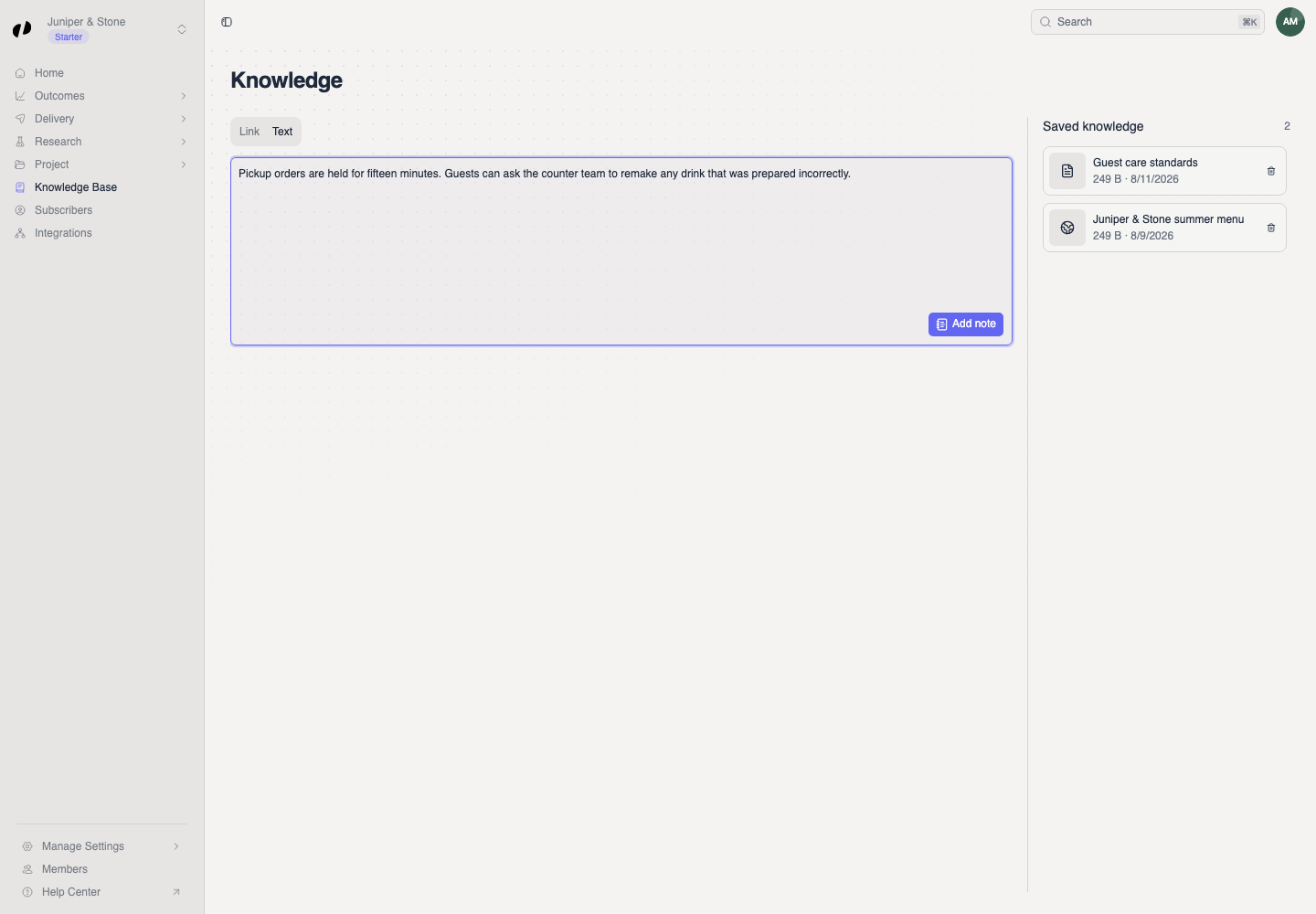
Maintain saved knowledge
Select a saved item to edit it, then choose Save. The Saved, Link added, or Text added message confirms the change. Delete an entry only when the organization no longer relies on it; deletion cannot be undone.