Knowledge base
Give Orvelt trusted information about your business from webpages, notes, and files.
The Knowledge Base is information about your business that Orvelt can draw on: your return policy, what's on the menu, how bookings work, approved product details. It belongs to the whole organization, not to one project, so add it once and every project benefits.
Only add what you'll keep up to date
Outdated knowledge is worse than none. Add material your team owns and will update when things change, and delete what no longer applies.
Add knowledge
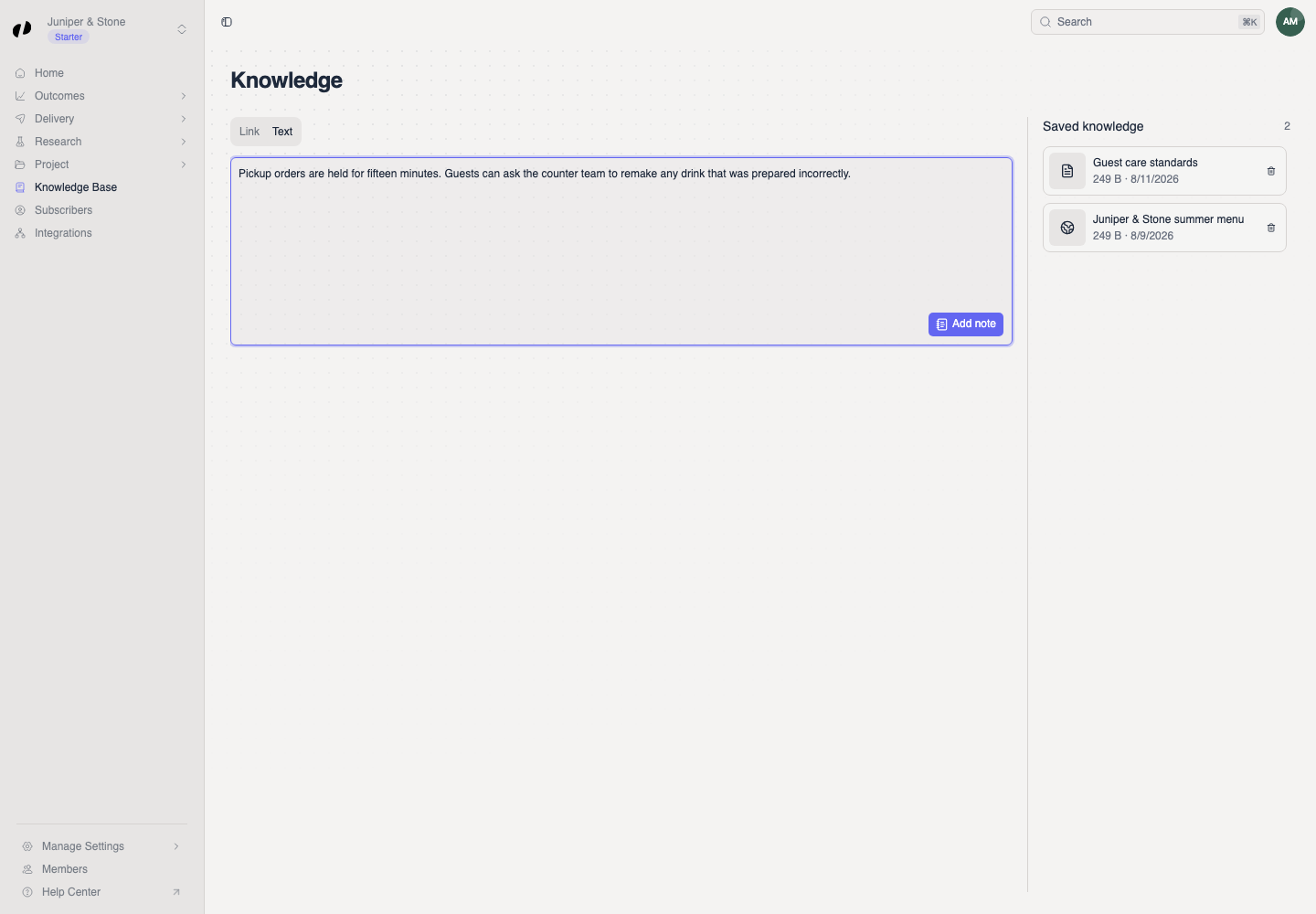
Open Knowledge Base in the sidebar. On the Add a source tab, choose what Orvelt should learn from.
Best for information that already lives on your website, like an FAQ or policy page.
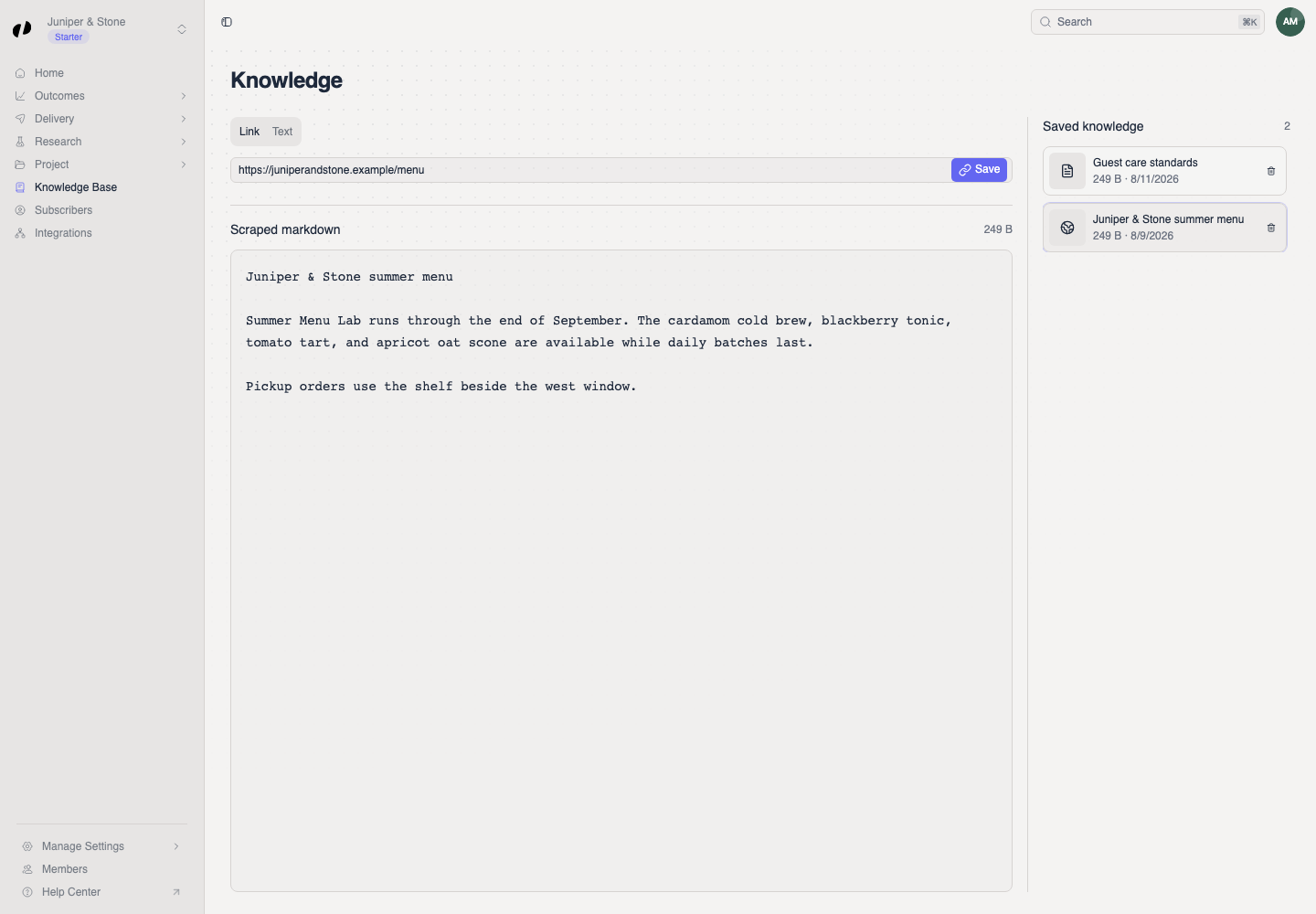
- Choose Link.
- Paste the address of a public webpage, one that opens without signing in.
- Select Add link. A Link added message confirms it.
- Select the new item under Saved knowledge and read its Scraped markdown: this is the text Orvelt copied from the page.
If the scraped markdown is empty or missing parts, the page may need a sign-in or load its content in a way Orvelt can't read. Fix the page, or add the important parts as a text note instead.
Edit or delete saved knowledge
Select an item under Saved knowledge, make your changes, and choose Save. A Saved message confirms it.
Deleting an item can't be undone. Delete only what your organization no longer needs.
Business terms
The Business terms tab on this page helps voice opinions spell your names. Business terms
Common questions
No. Question selection is driven by your goals, tags, and priorities. How questions are picked
Yes. With Business MCP, an approved agent with write access can add, update, and delete knowledge items. AI agents
Owners, admins, and members with Knowledge base product access.