Quick start guide
Put Orvelt's opinion form on your website, choose the questions customers answer, and read your first opinion in about 10 minutes.
By the end you'll have Orvelt's opinion form live on your website and your first opinion to read. No code, no credit card: the free Launch plan applies automatically.
Sign in
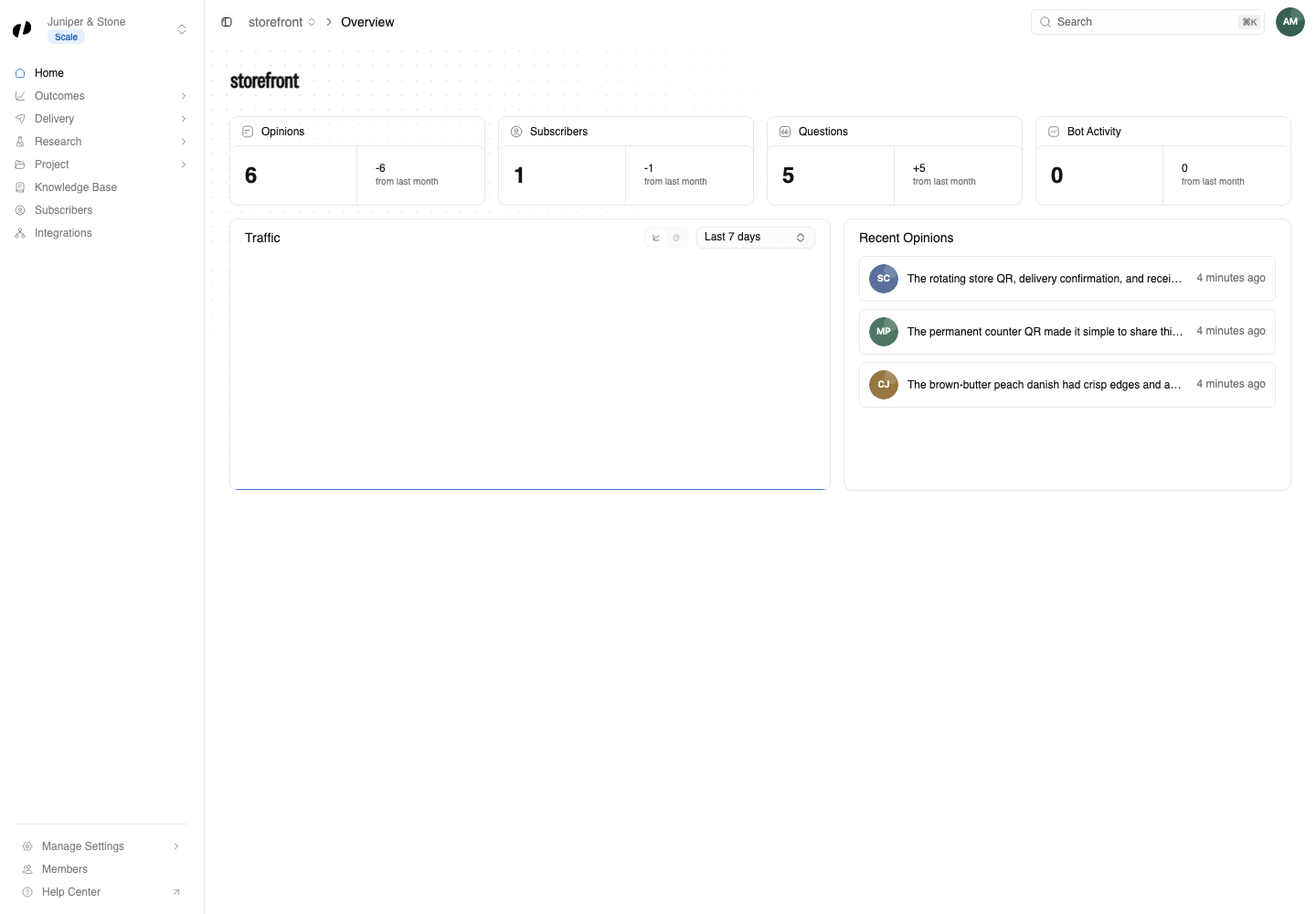
Go to business.orvelt.com and sign in with your email or Google account. Answer the three short setup screens (your business details, a phone number or photos to verify it, and what you want help with) and select Complete Onboarding. Orvelt creates your first project, Storefront, ready to collect opinions, and opens Orvelt Business.
Stuck on setup? Create your business covers every field.
Pick your questions
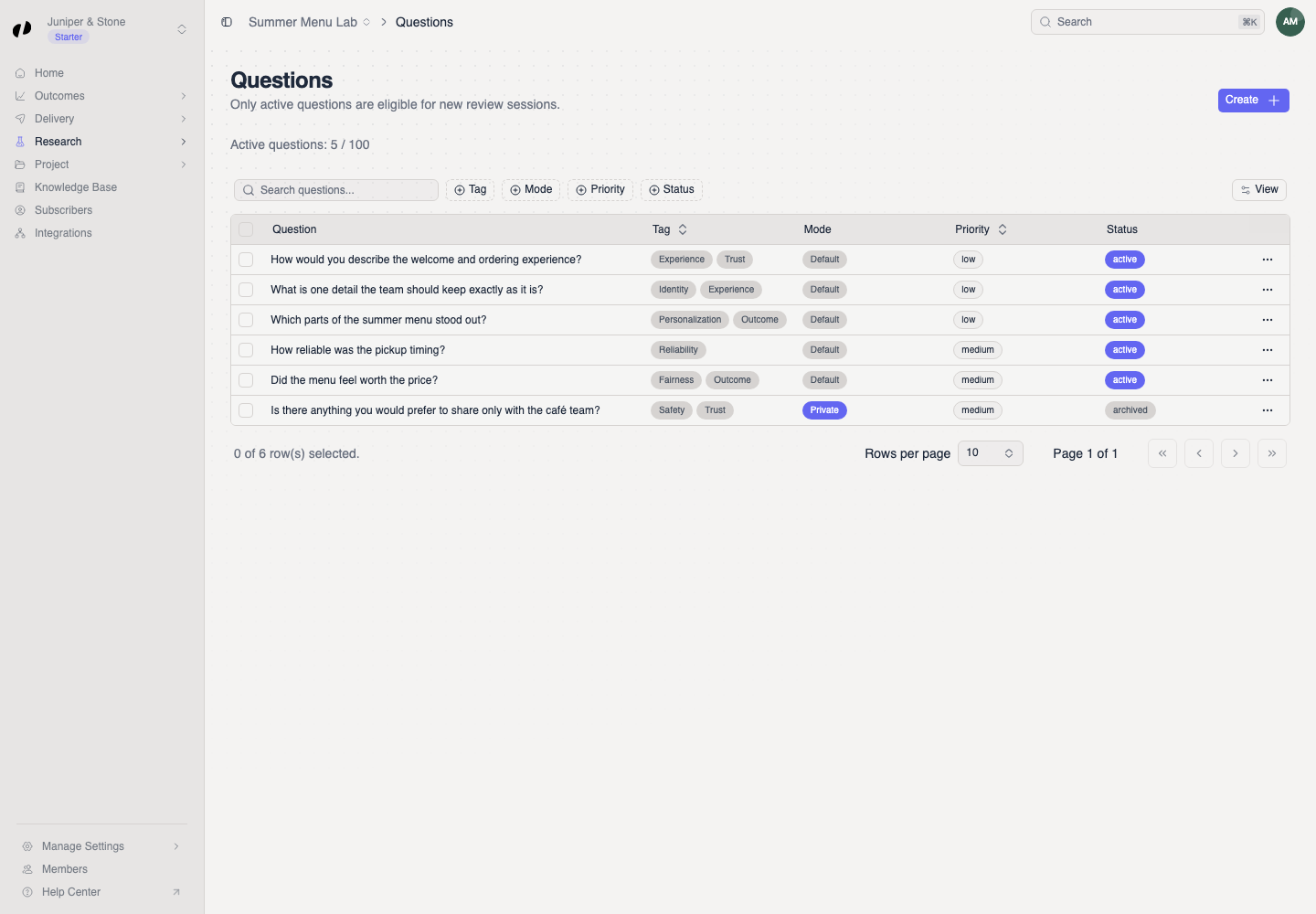
Open Research → Questions. Your project already has a starter set.
- Archive any that don't fit your business.
- Select Create to add your own: write the question, choose how customers answer, and pick at least one tag.
Customers see up to three questions each, so a handful is plenty.
Copy your Project ID
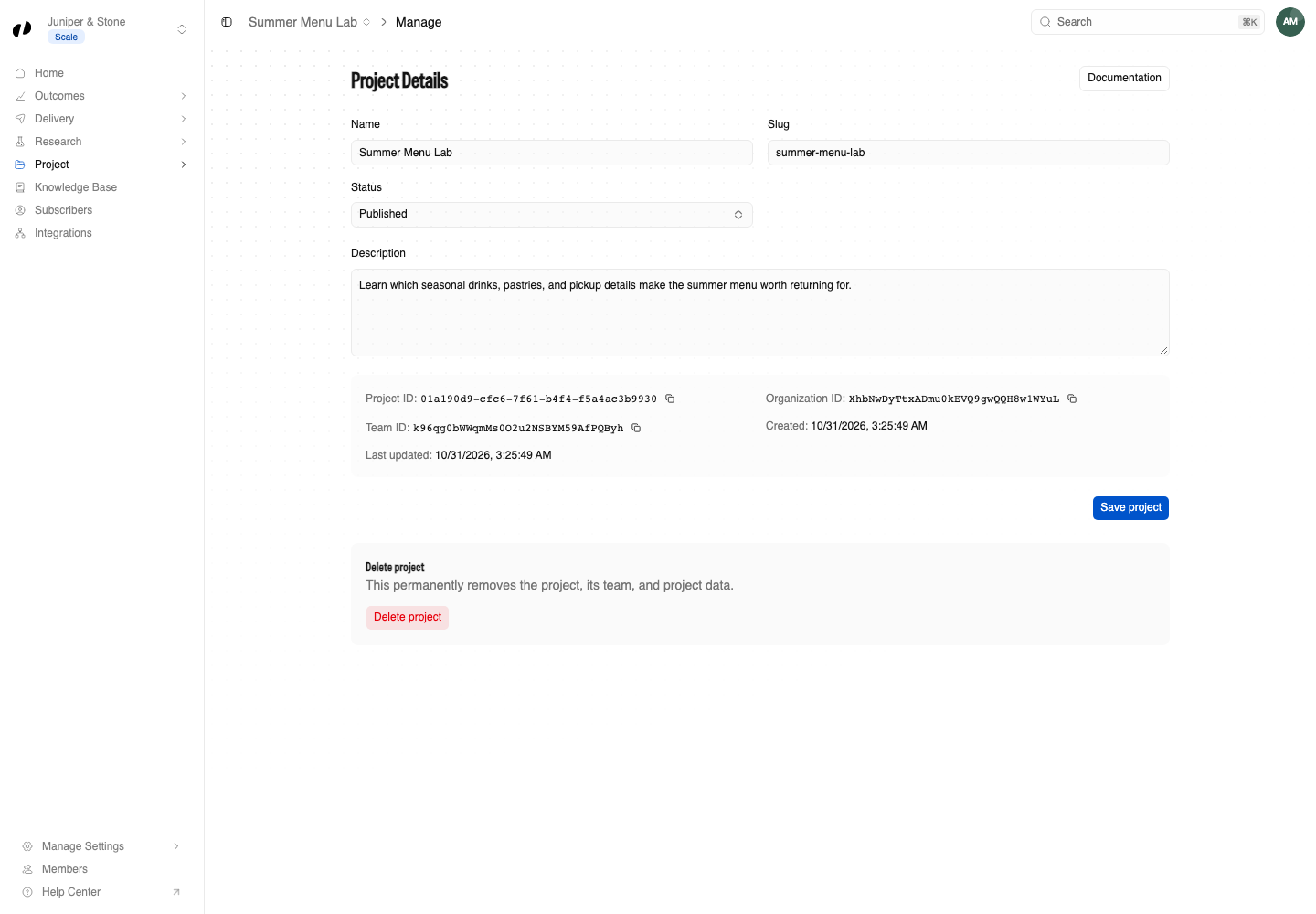
Open Project → Manage, check Status is Published, and select the copy button next to Project ID.
Paste the form into your website
Copy the block, replace PASTE-YOUR-PROJECT-ID-HERE with your Project ID, and paste it wherever your website builder accepts HTML. An order or booking confirmation page works best.
<button id="orvelt-feedback-button" type="button">Give feedback</button>
<script src="https://unpkg.com/@orvelt/business/dist/opinion-embed.js"></script>
<script>
  (function () {
    var form = OrveltEmbed.configure({
      projectId: 'PASTE-YOUR-PROJECT-ID-HERE',
      visibility: 'public',
    });
    document.getElementById('orvelt-feedback-button').addEventListener('click', function () {
      form.open();
    });
  })();
</script>
Where exactly to paste it:
No website?
Use a QR code instead: open Delivery → QR codes, choose Permanent, and select Create permanent QR. QR codes
Send yourself a test opinion
Open the page on your phone, write or speak a short opinion, answer the questions, and submit. Test the form
Read and reply
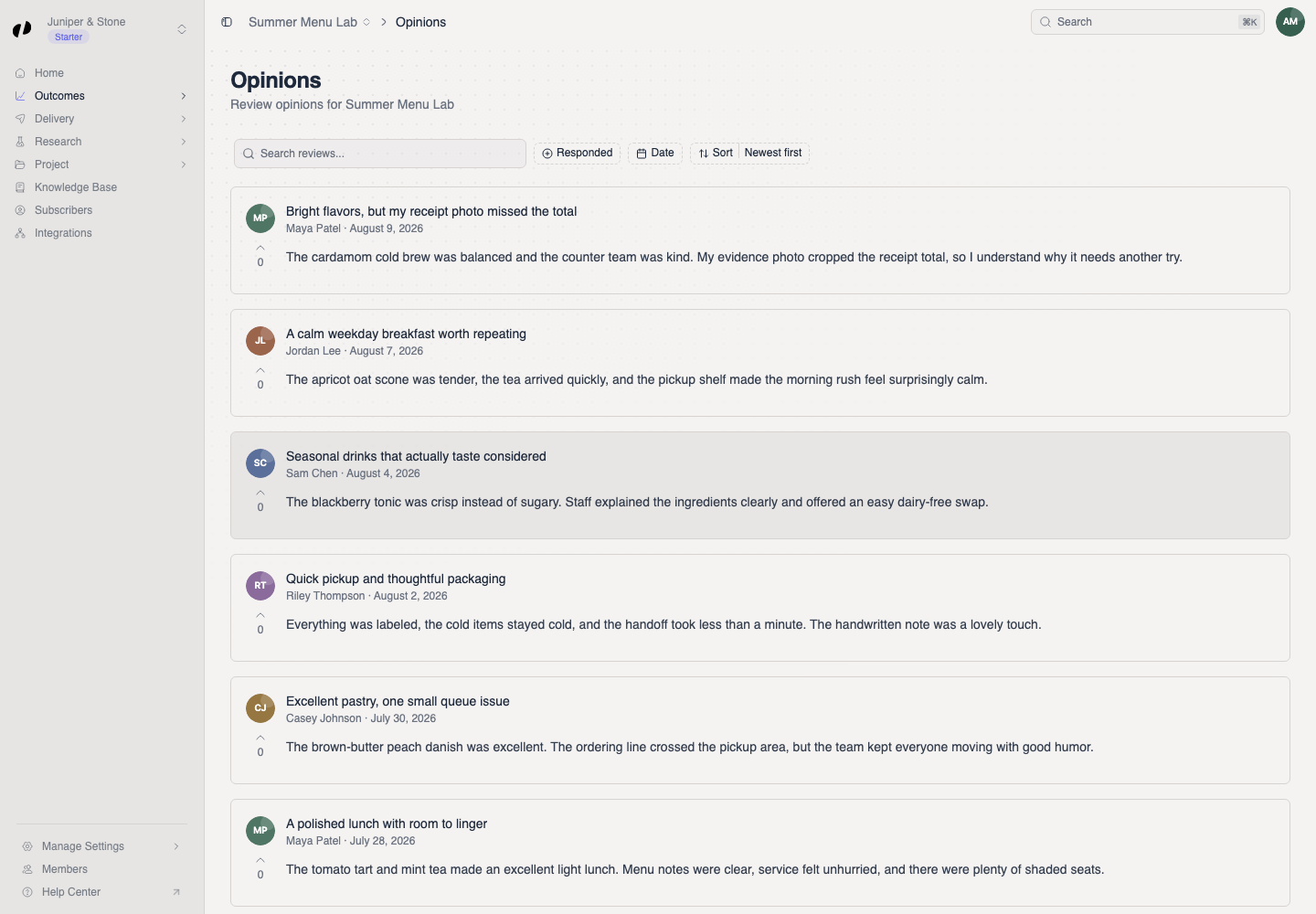
In Orvelt Business, open Outcomes → Opinions. Select your test opinion, type in Add your reply..., and select Post. Answers to your questions are under Outcomes → Answers.