Voice opinions
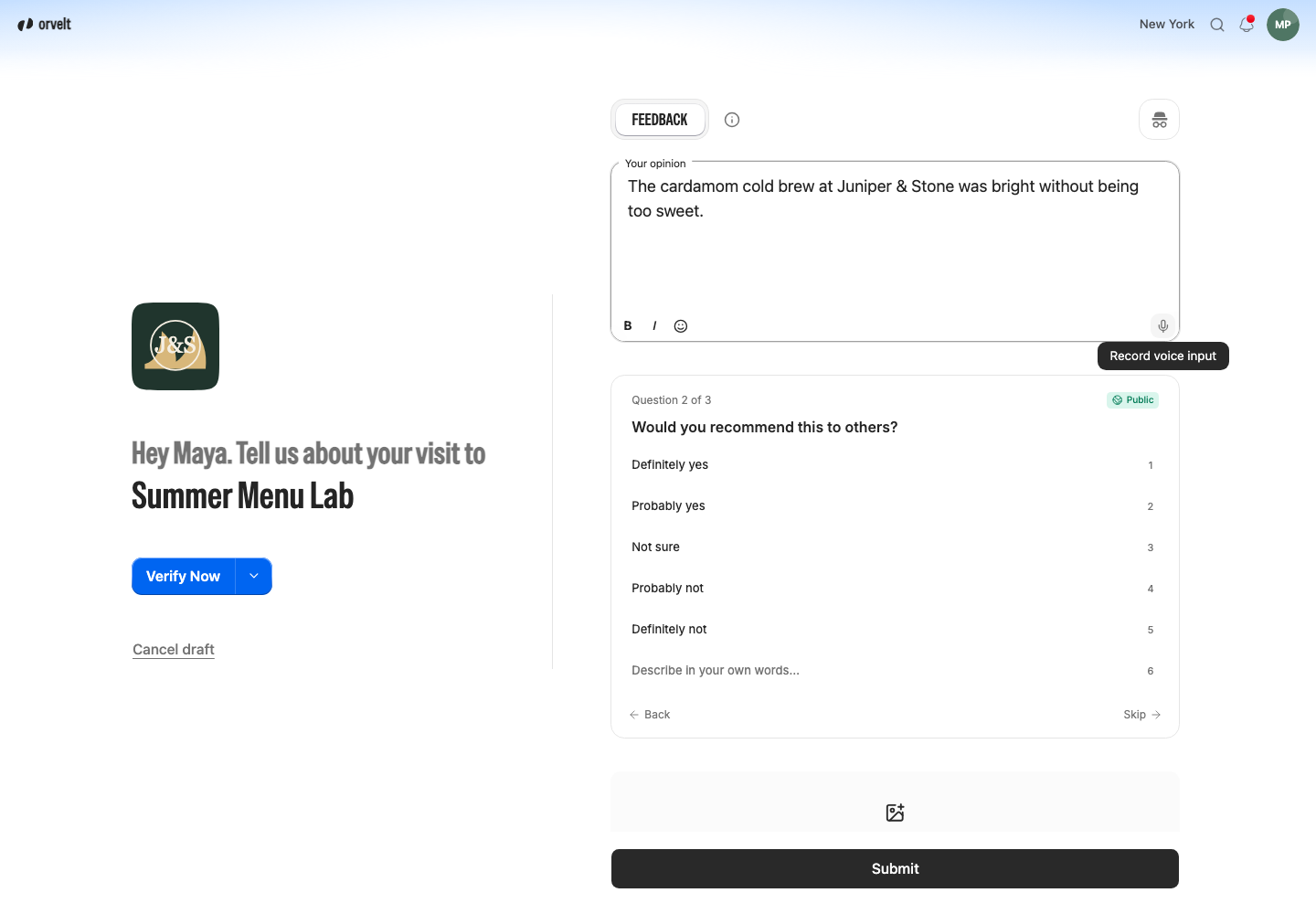
Customers can speak their opinion instead of typing it, then check the text before submitting.
Customers can speak their opinion instead of typing it. It's quicker, especially on a phone. Orvelt turns the recording into text they can edit before submitting. Voice works on your Storefront and website form with nothing to set up.
How customers use it
- In Your opinion, select the microphone and allow microphone access.
- Speak. Recording stops when they pause.
- Check the text, fix anything, and select Submit.
Orvelt keeps the text, not the audio.
Help it spell your names
Add your business, product, and staff names in Business terms.
If it doesn't work
- Microphone blocked: allow the microphone for the page in the browser's site settings.
- Works on Orvelt but not your website: test on your live
https://page, not the website builder's preview. Developer details