Personal links
Email one customer a personal, one-time link to write a verified opinion, and track whether they opened it and responded.
A personal link (in the product: a preverified link) invites one named customer to write a verified opinion about one project. Send it after a purchase, delivery, booking, or visit. Because it's tied to that customer's email, their opinion is verified as soon as they use it.
Each link:
- Is meant only for the email address you enter.
- Works once.
- Expires after 7 days.
Send a link
Open the project, then choose Delivery → Link.
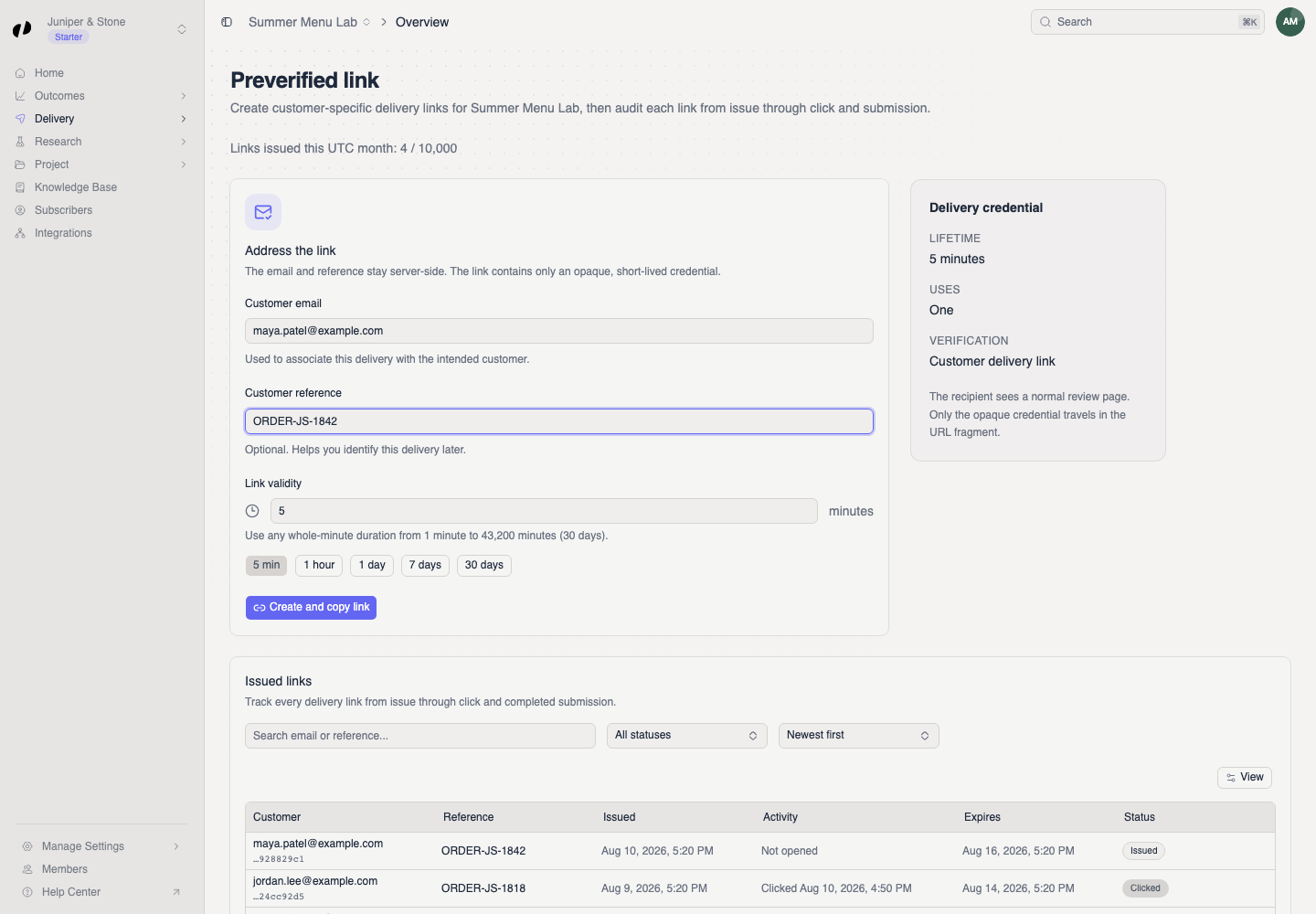
Enter who it's for:
- First name (required): the invitation email greets them by first name.
- Last name (optional).
- Customer email (required).
- Order reference (required): your order, invoice, or booking number, so you can match the opinion later. Customers never see it.
When the customer signs in from the link, their name is already filled in for them.
Select Email customer. Orvelt creates the link and emails it. A Link emailed to the customer message confirms it.
One email per customer every 48 hours
Each project can email the same customer once every 48 hours. If you try sooner, Orvelt shows an error and doesn't create another link. This protects customers from being emailed too often.
Track your links
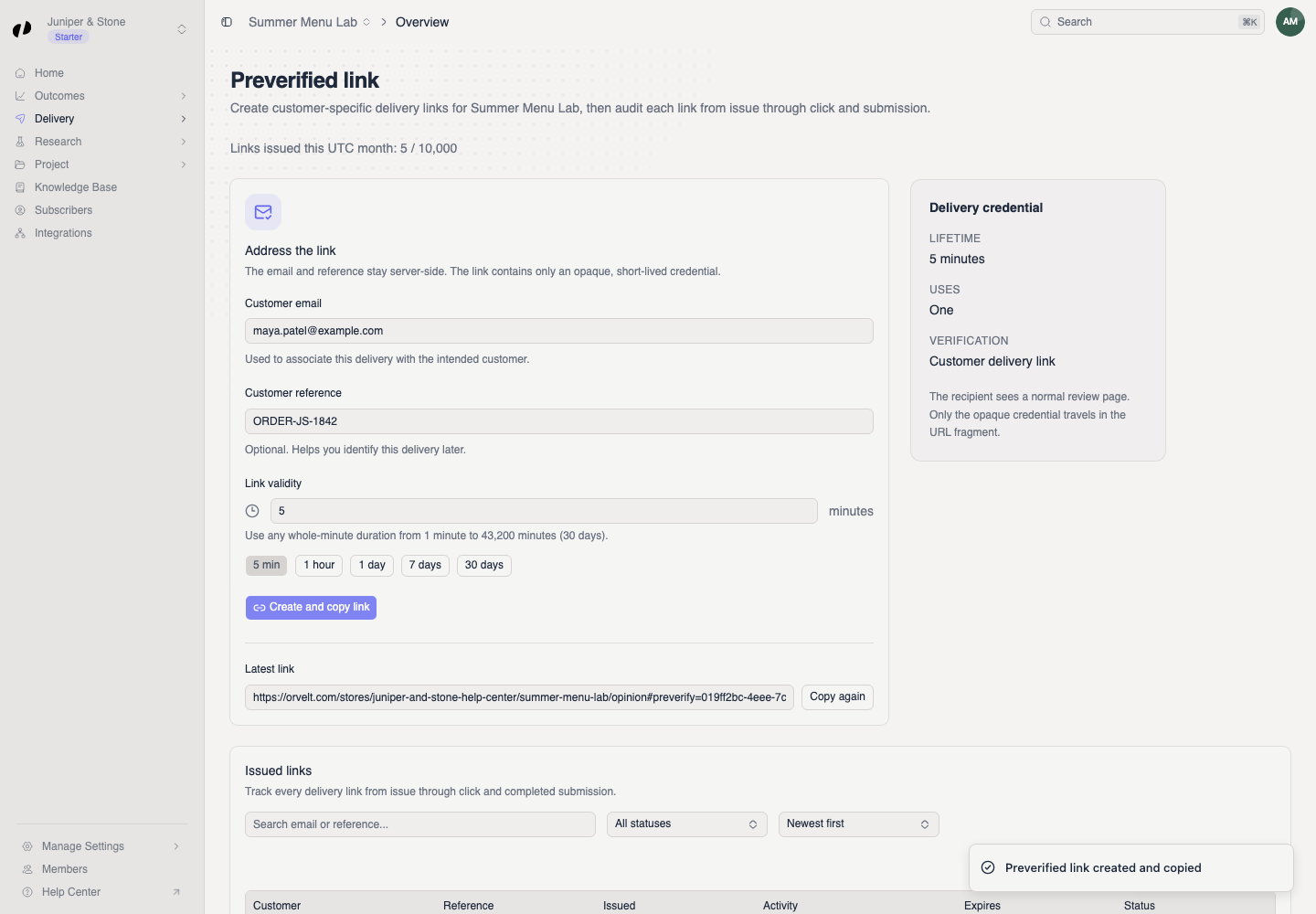
Every link you send appears under Issued links. Search by name, email, or reference, and filter by status:
| Status | What it means |
|---|---|
| Issued | Sent, not opened yet. |
| Clicked | The customer opened it and started an opinion. |
| Submitted | The customer submitted their opinion. |
| Expired | The 7 days ran out before they submitted. |
Each row also shows when the link was issued, last used, and when it expires.
Copy or resend a link
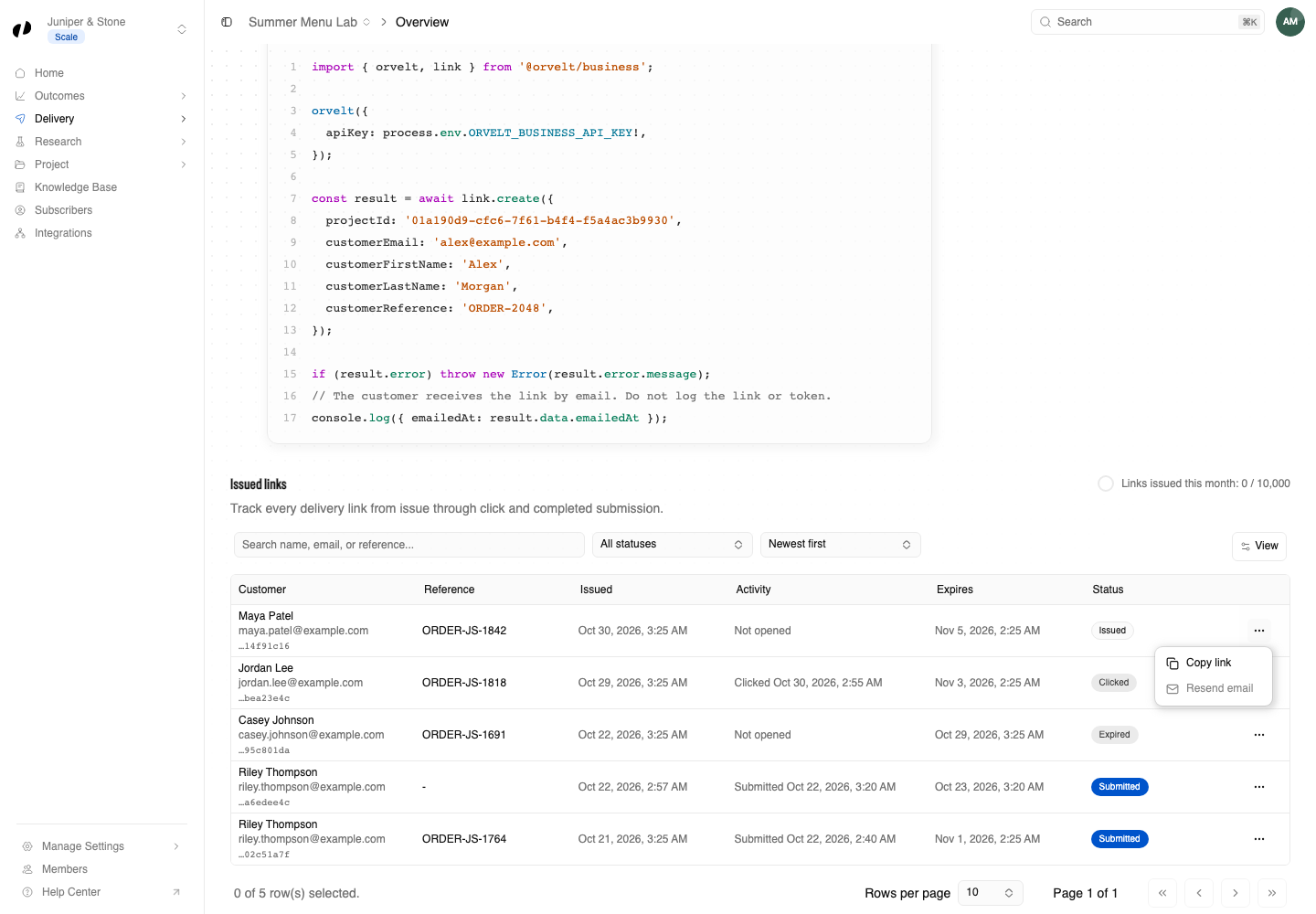
Open the actions menu at the end of the customer's row:
- Copy link copies the link, for example to paste into a text message. Send it only to that customer.
- Resend email emails the same link again. It's available after the 48-hour wait, and not for expired or submitted links.
If a link expires before the customer uses it, create a new one.
Keep links private
Anyone with the link can write a verified opinion as that customer. Never post a link publicly or send it to anyone else.
Limits
Your plan sets how many personal links each project can send per month. See the preverified-link allowance under Manage Settings → Billing → Projects. If you reach it, Orvelt says This project has reached its monthly preverified-link limit. Billing
Send links automatically
Sending links one by one works for a few customers a day. To send one after every order automatically, your developer can connect your shop or booking system to the Business API, or you can ask an AI agent to send a batch.
Common questions
Ask them to check spam or promotions folders. Then use Copy link and send it another way, or Resend email once the 48-hour wait has passed.
No. Each link is for one person and works once. For many people at once, use a QR code or the website form. QR codes · Website form
Yes, if you added a Reference. It's stored with the link and the opinion, and is available to your team, in exports, and to your developers.