What your customers see
Walk through Orvelt from your customer's side, from finding your page to writing an opinion, answering your questions, and getting verified.
Before you invite customers, it helps to see what they'll see. This page follows one customer, from finding you to submitting an opinion. Customers use the Storefront app at orvelt.com on their phone or computer. They never see Orvelt Business.
1. They find you
A customer reaches your project in one of four ways:
- They scan your QR code and land straight on the opinion form.
- They open a personal link you emailed after a purchase.
- They use the form on your website, without leaving your site.
- They browse Orvelt and find your Storefront page.
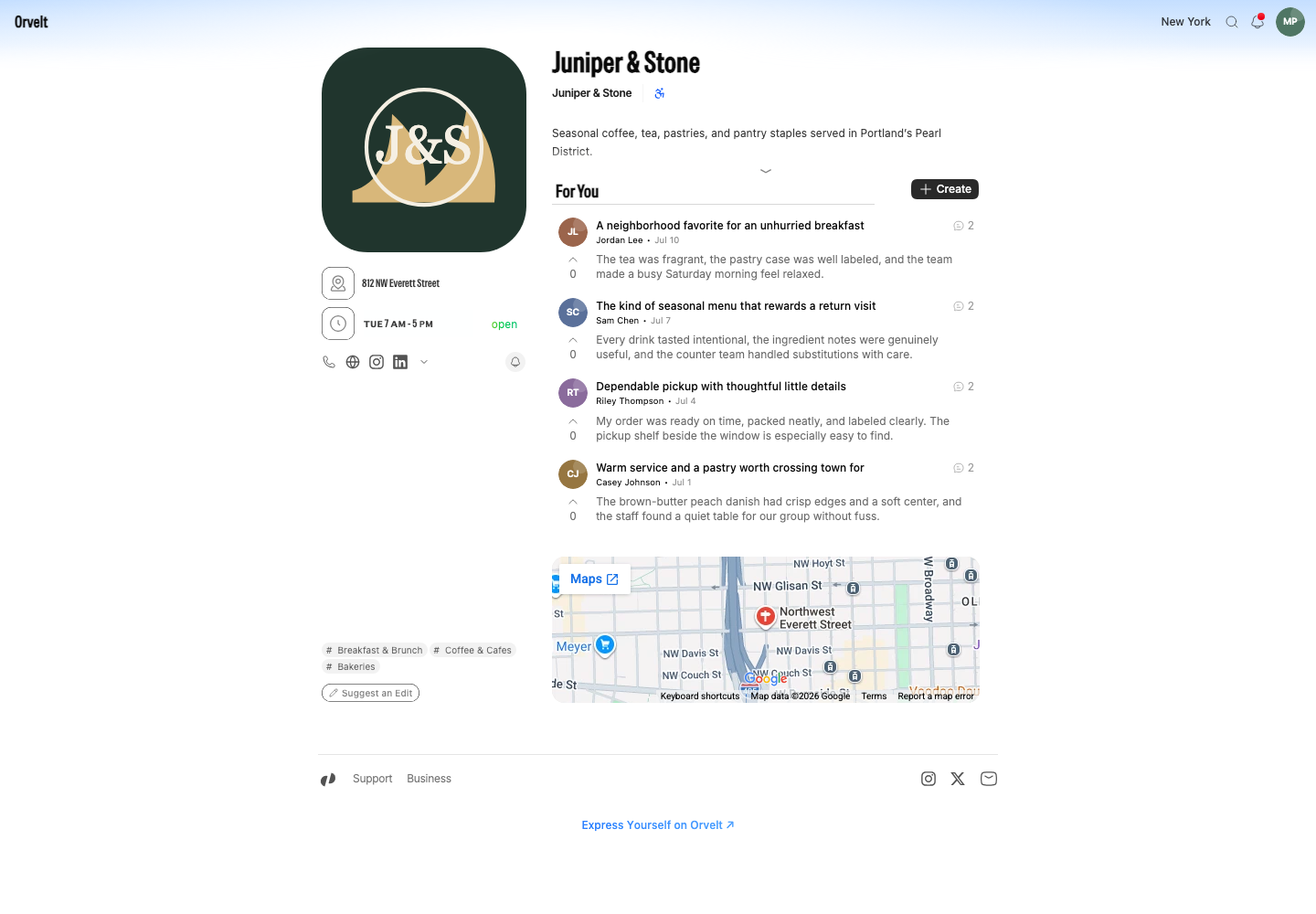
Your Storefront page shows your name, logo, description, contact details, hours, and verified opinions. Customers can Subscribe to follow you.
2. They start an opinion
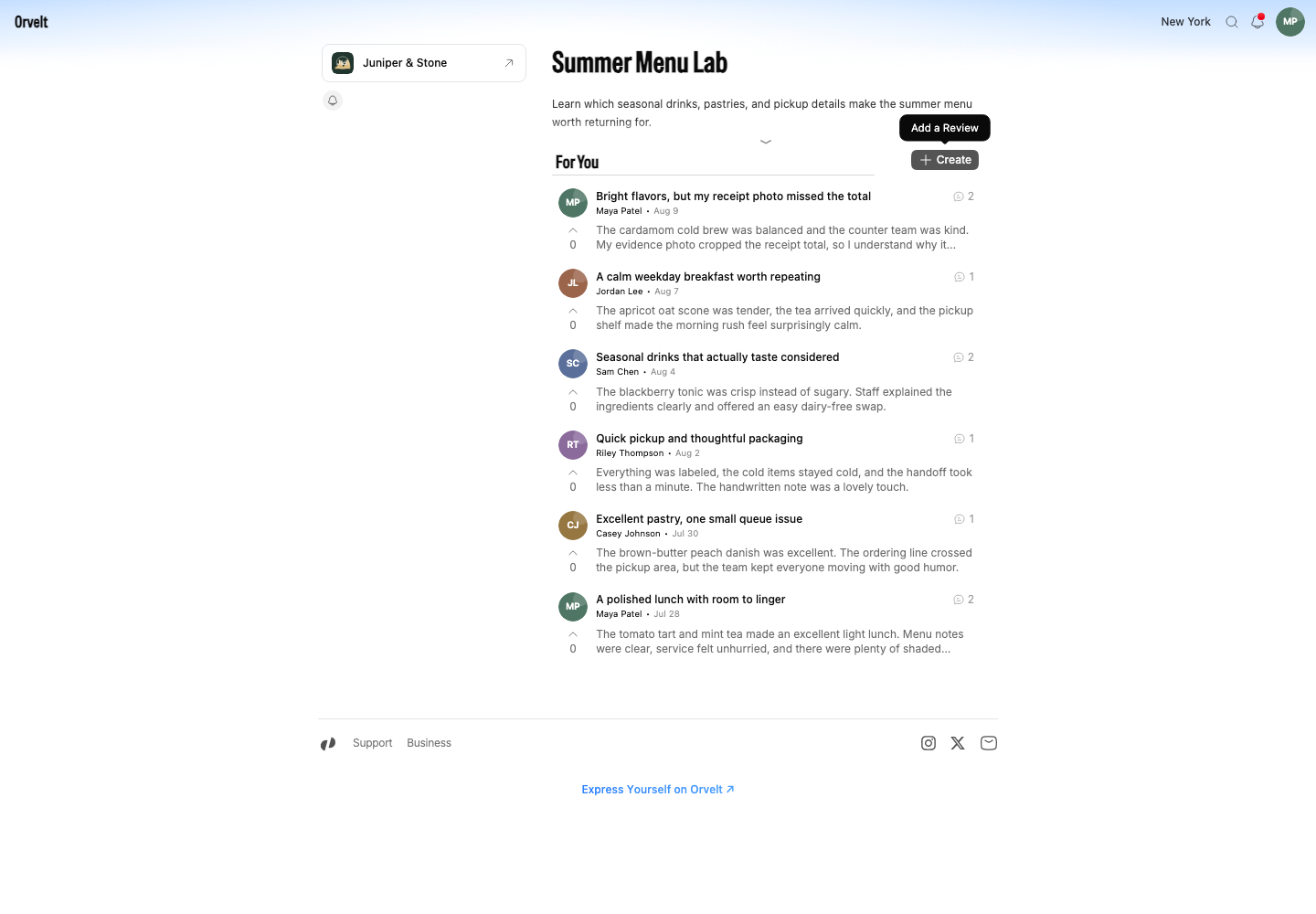
On your Storefront or project page, customers find For You and select Post (its tooltip reads Add an opinion). They can start writing before they sign in, but they sign in to submit; Orvelt saves their draft while they do. On your website's form, anyone not signed in enters their name and email and confirms a code sent to that email instead.
3. They speak or type in their own words
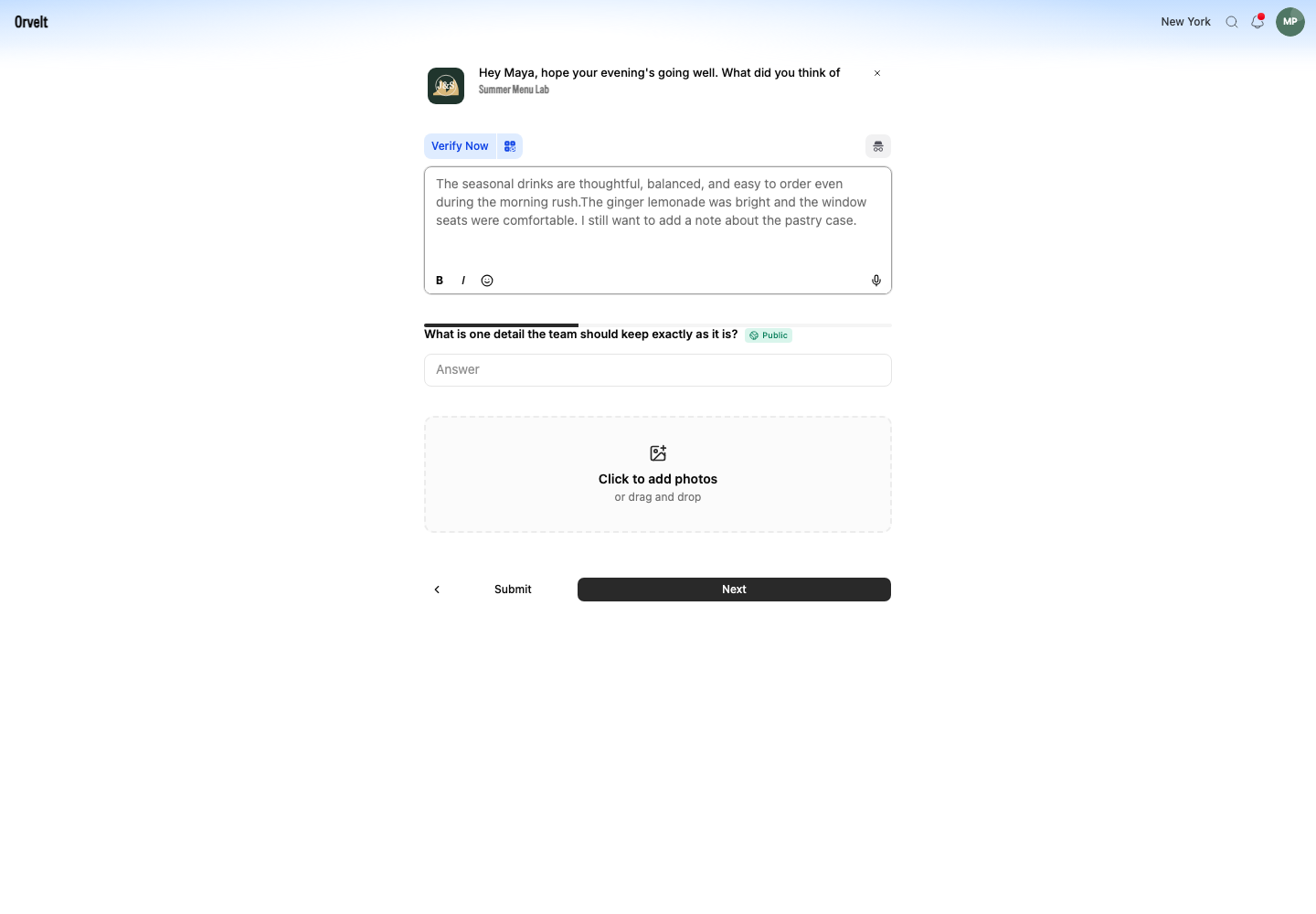
The customer types, or selects the microphone and speaks, and can attach photos with Add photos to your opinion. Voice opinions
If a customer recently posted a public review of the same project, Orvelt may offer private feedback instead until the public-review waiting period ends. In a private project, customers can only send private feedback.
4. They answer up to three of your questions
Next, Orvelt shows up to three questions from your library, one at a time, with a progress indicator like Question 1 of 3. A Private label tells the customer that only they and your business can read that answer. They select Continue to move on, and Finish on the last one. Each customer may see different questions: Orvelt picks the ones you most need answered. Why each customer sees different questions
5. They submit
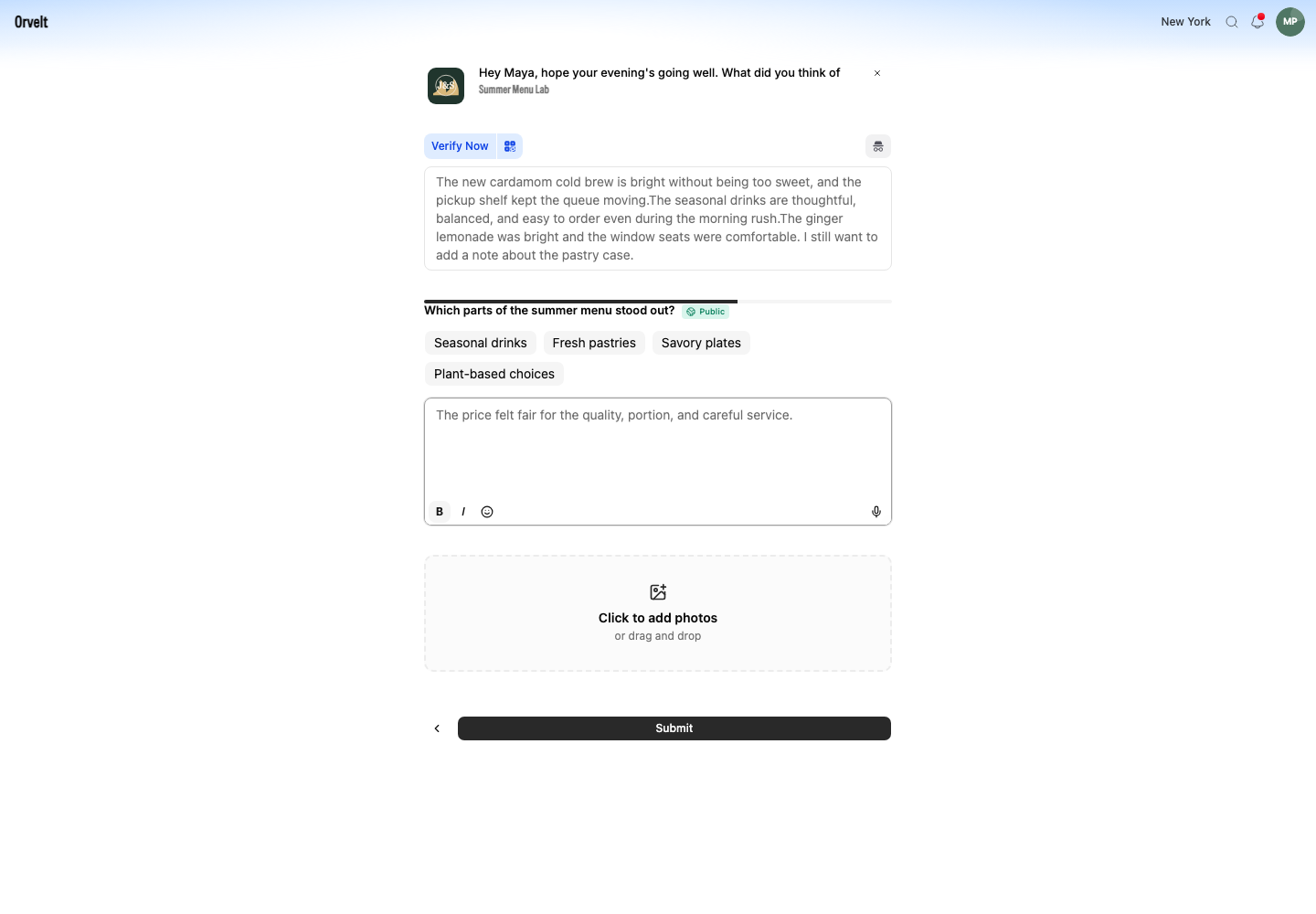
Customers select Submit once they've written an opinion or answered at least one question. A customer can even submit answers without publishing an opinion. If they leave before submitting, Orvelt keeps a draft they can come back to. Drafts never appear in Orvelt Business.
6. They get verified
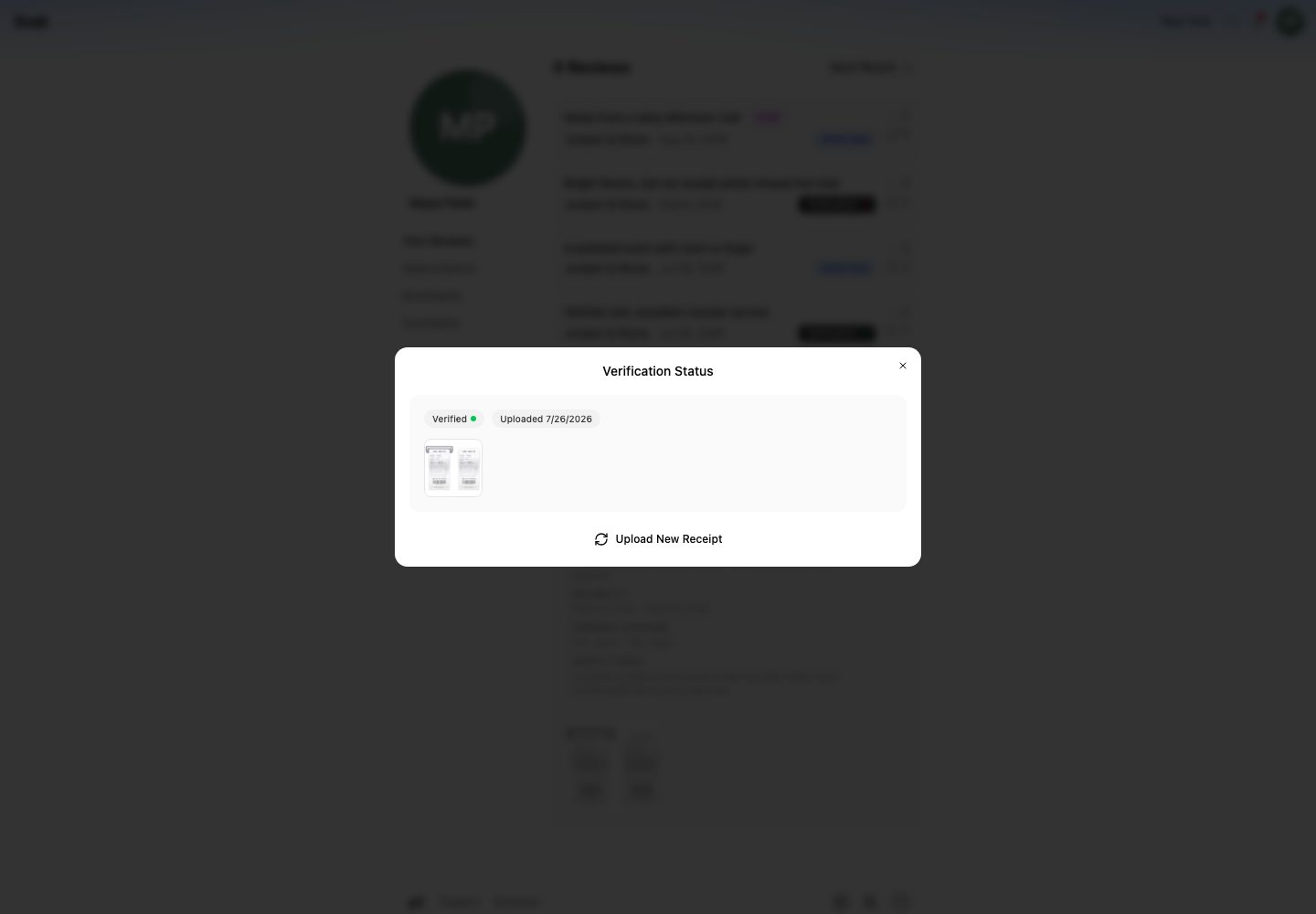
If the customer came from your QR code or personal link, their opinion is verified automatically. Otherwise, right after submitting, they can add proof such as a photo of their receipt, or choose Skip and verify later from Profile → Your opinions. Orvelt, never your business, checks the receipt. Verified opinions carry a badge, and anyone can check how a verification was decided. How verification works
7. They see your reply
When you reply, the customer sees it in the opinion's thread, marked with an Owner badge. Other customers reading your page see it too, so a thoughtful reply builds trust with everyone. A reply to private feedback is seen only by that customer, who opens it from Profile → Your opinions. Reply to opinions
Try it yourself
The best way to understand the experience is to go through it once. Create a permanent QR code under Delivery → QR codes, scan it with your phone, and write a test opinion. QR codes
The customer side has its own Help Center section, so you can point customers there if they have questions: Help Center for customers.