Reply to opinions
Reply to a customer's opinion, see who can read your reply, and learn how to write replies that build trust.
Your reply appears in the opinion's thread with an Owner badge. On a public review, the customer sees it, and so does everyone else who reads that opinion on your Storefront. A good reply is one of the best things you can do for your reputation.
On private feedback, including everything in a private project, only that customer sees your reply. They open it from Profile → Your opinions.
Post a reply
Open the project, then choose Outcomes → Opinions.
To find opinions you haven't answered, set Responded to Unreplied.
Select an opinion card to expand it.
Select Add your reply... and write your reply.
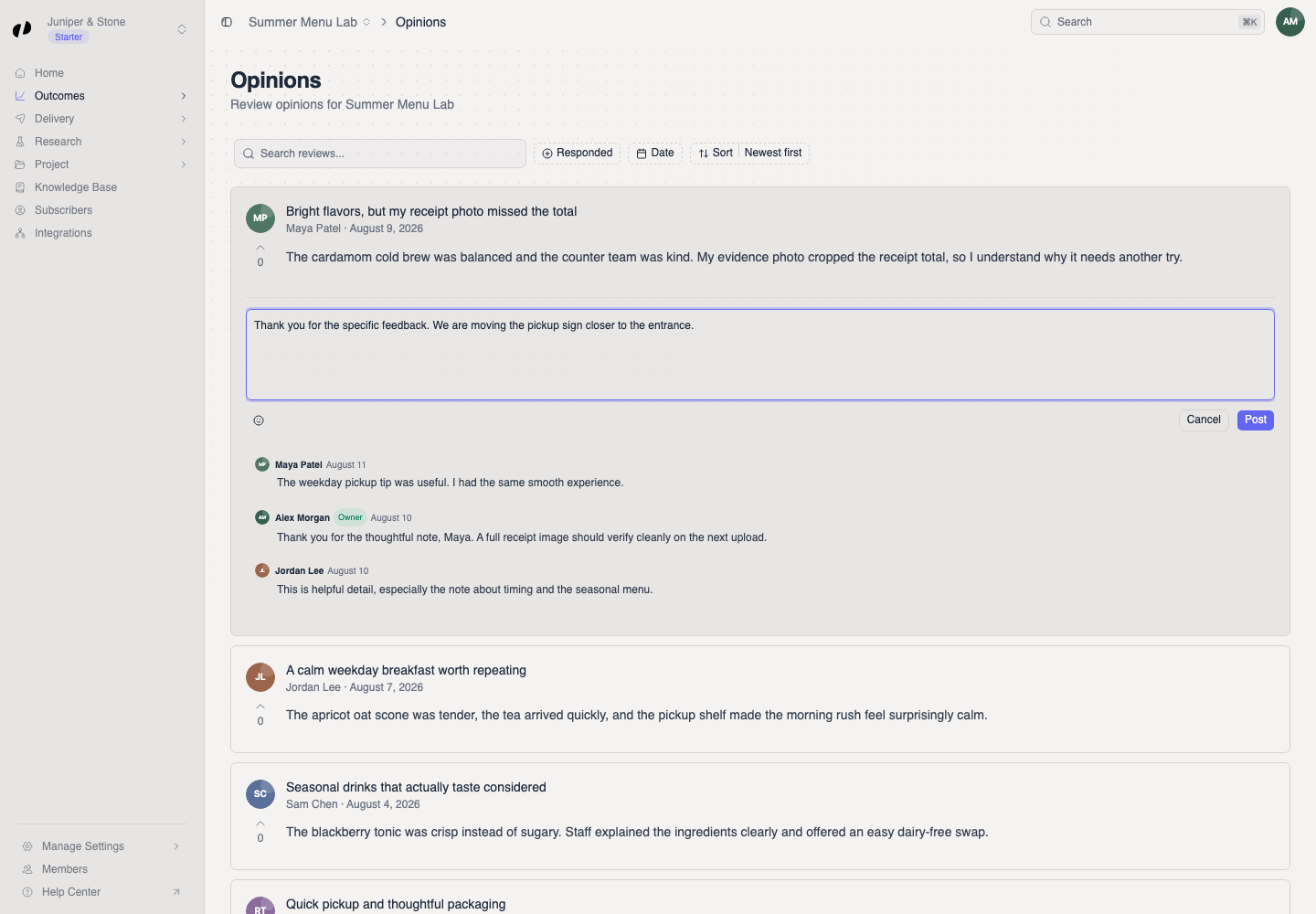
Select Post. A Response posted message appears, and your reply shows in the thread with an Owner badge.
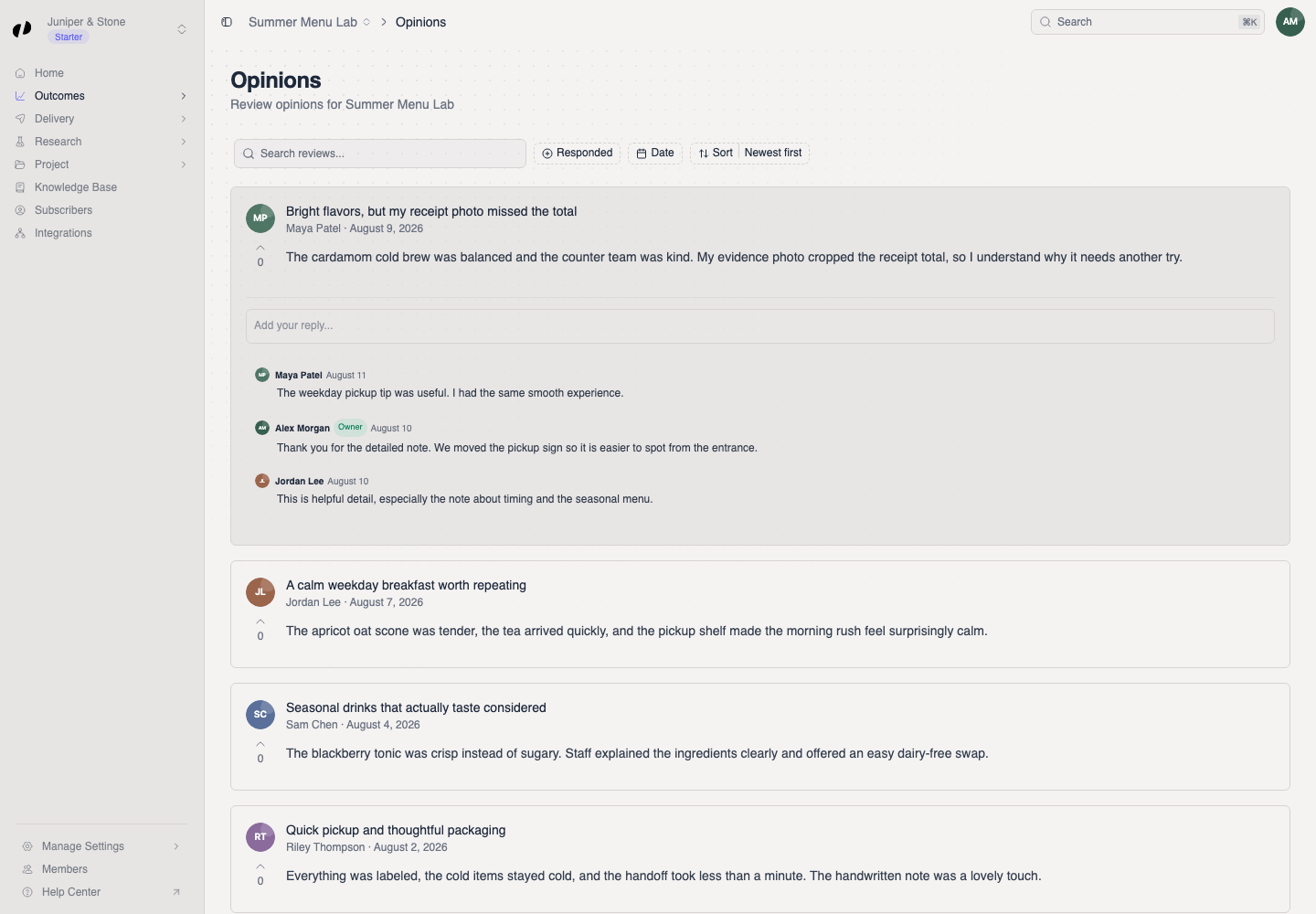
You can reply again as the conversation continues.
How to write a good reply
Respond to what they actually said. Mention the specific dish, person, or moment. A generic "Thanks for your feedback!" tells everyone you didn't read it.
Thank, then add something. For a positive opinion, thank them and share a small detail: "So glad you liked the tomato tart. It's back every Friday through September."
For a negative opinion, own it and say what's next. Don't argue in public. Acknowledge, apologize where it's due, and say what you're doing: "You're right that Saturday's wait was too long. We've added a second barista on weekend mornings."
Keep private details private. Never post order numbers, phone numbers, or anything personal. If you need to sort something out, invite them to contact you.
Reply within a few days. Recent replies show you're listening.
Examples
| Opinion | Weak reply | Strong reply |
|---|---|---|
| "The cardamom cold brew was balanced and not too sweet." | "Thanks!" | "Thank you! We spent weeks on that balance. Try it with oat milk next time." |
| "Waited 25 minutes for two coffees." | "Sorry you feel that way." | "That's too long, and we're sorry. Saturdays caught us short-staffed; we've added a second barista from 8 to 11." |
Let AI draft, you decide
An AI agent connected through Business MCP can draft replies for you to review. Always read a draft before posting it: replies are public and signed as your business. Example prompts
If you can't post
Post stays unavailable until you type a reply.
Copy your text, reload the opinion, and try again.
You need Outcomes product access on the project. Ask an owner or admin. Team and roles