Send feedback to other tools
Send a message to another system every time something happens in Orvelt, like a new opinion, so your other tools stay up to date automatically.
A webhook is an automatic message Orvelt sends to another system when something happens. For example, every time a customer submits an opinion, Orvelt can tell your CRM, your Slack workspace through an automation tool, or your own database.
You need:
- Webhooks product access, or the Owner or Admin role.
- An endpoint URL: a public
https://address that accepts the messages. Your developer provides it, or an automation tool like Zapier or Make gives you one when you set up a "Catch webhook" trigger.
Set up a destination
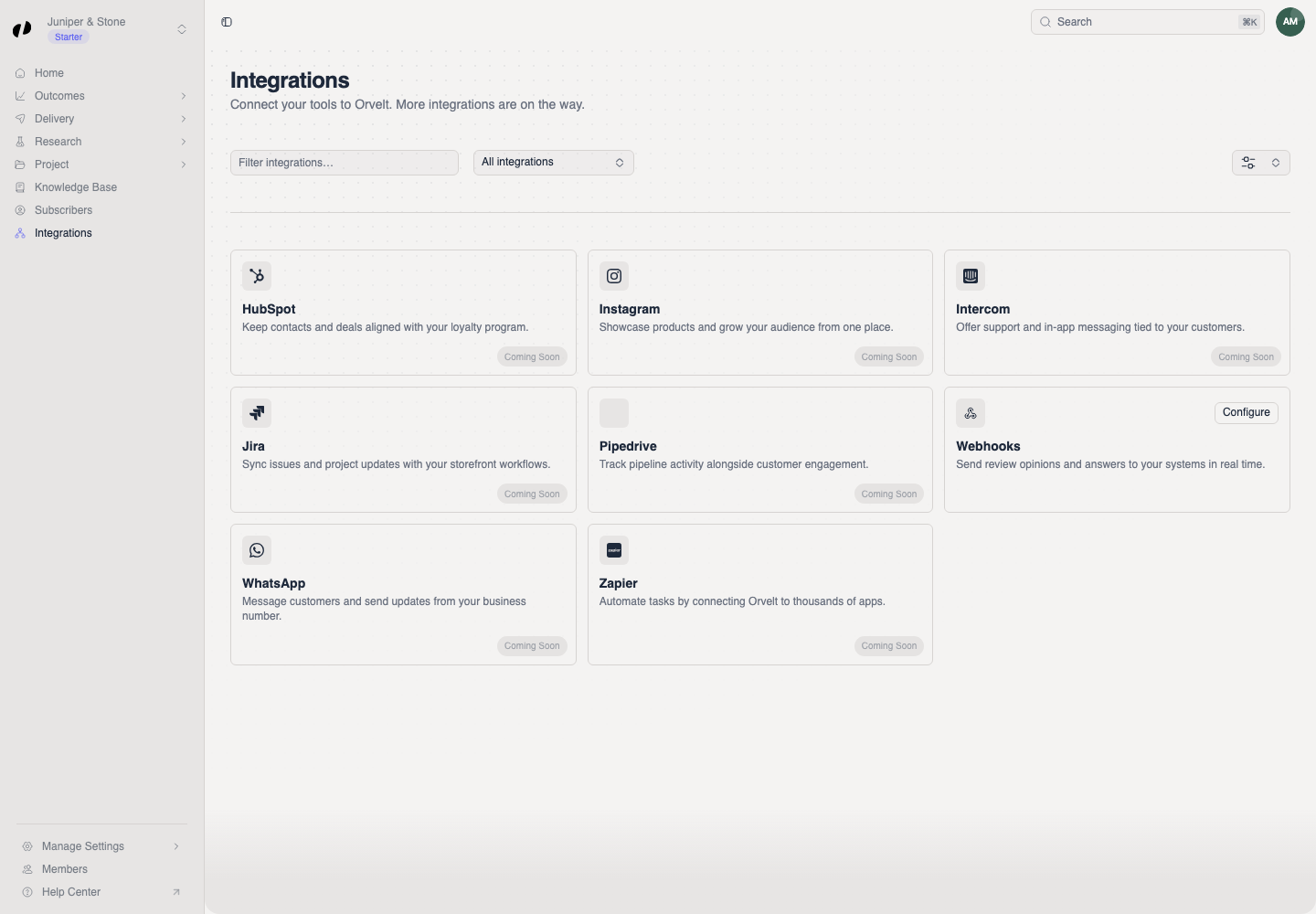
Open Integrations and, on the Webhooks card, select Configure.
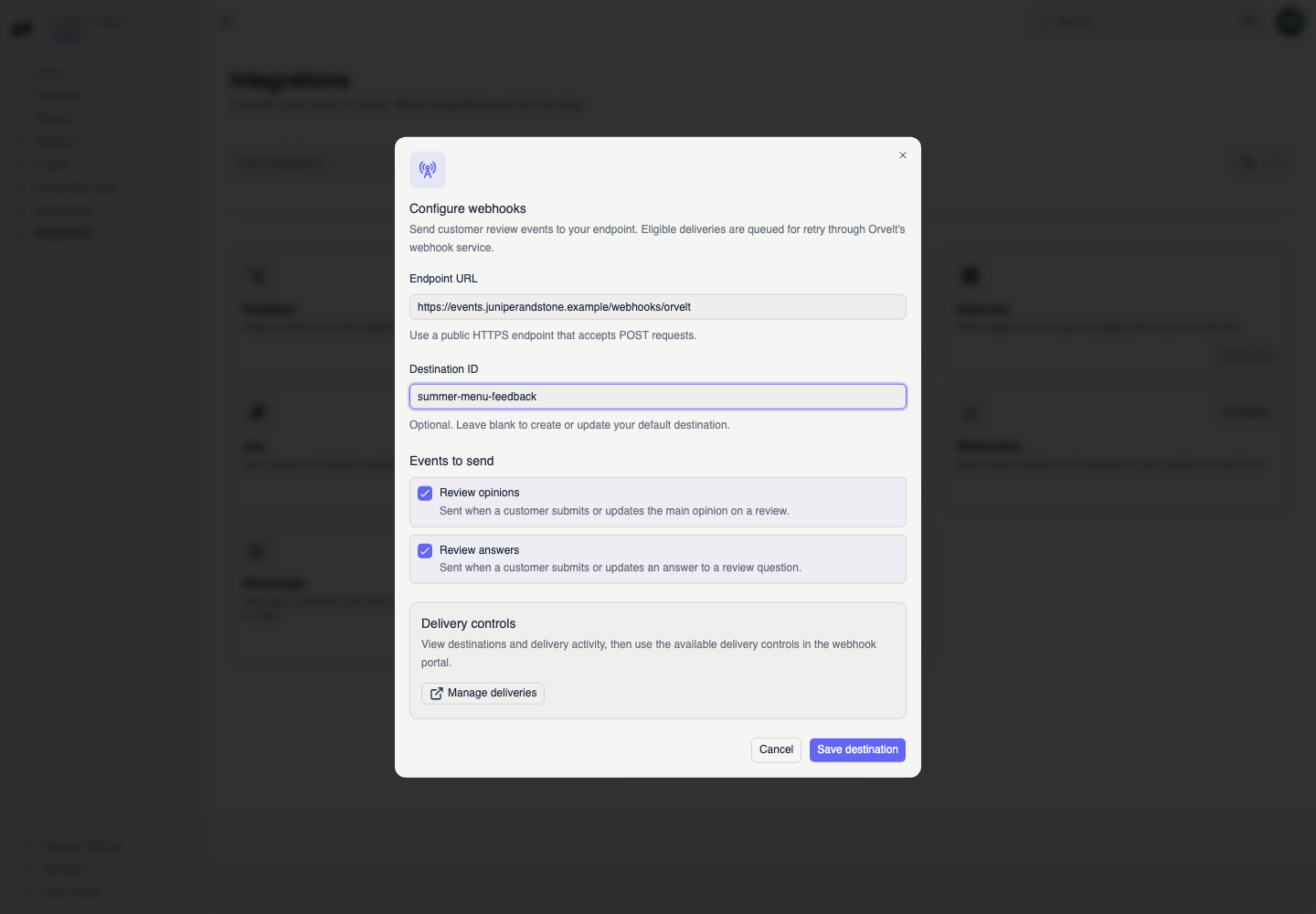
Enter the Endpoint URL.
Leave Destination ID blank to create or update your default destination. Only enter an ID if a second system needs its own set of events.
Under Events to send, search for and select each event the receiving system should get. Searching a word like "opinions" finds every opinion event.
Select Save destination. A Webhook destination saved message confirms it.
Which events should I choose?
Choose only what the receiving system uses. Common ones:
| You want to... | Choose |
|---|---|
| Post every new opinion to a team channel | opinion.created |
| Keep a spreadsheet of answers | answer.created, answer.updated |
| Know when an opinion is verified | verification.verified |
| Track personal links through to submission | link.emailed, link.clicked, link.submitted |
| Keep a CRM's subscriber list in sync | subscriber.created, subscriber.deleted |
Every event and exactly what it contains is in the webhook reference.
If events don't arrive
Check that the endpoint is public, uses https://, and accepts POST requests. Check that the events you expect are selected under Events to send.
Orvelt treats any response other than a success as a failed delivery. Ask your developer to check that the endpoint responds quickly with a success status. Developers can see and retry deliveries in the webhook portal. Webhooks for developers
Ask an owner or admin for Webhooks access.