QR codes
Collect verified opinions at your counter, table, or screen, and keep a rotating code fresh on your own display.
A QR code lets anyone who visits in person write a verified opinion: they scan it with their phone and start writing. Each project can have one permanent code and one rotating code. Create, regenerate, and revoke them in Orvelt Business (how).
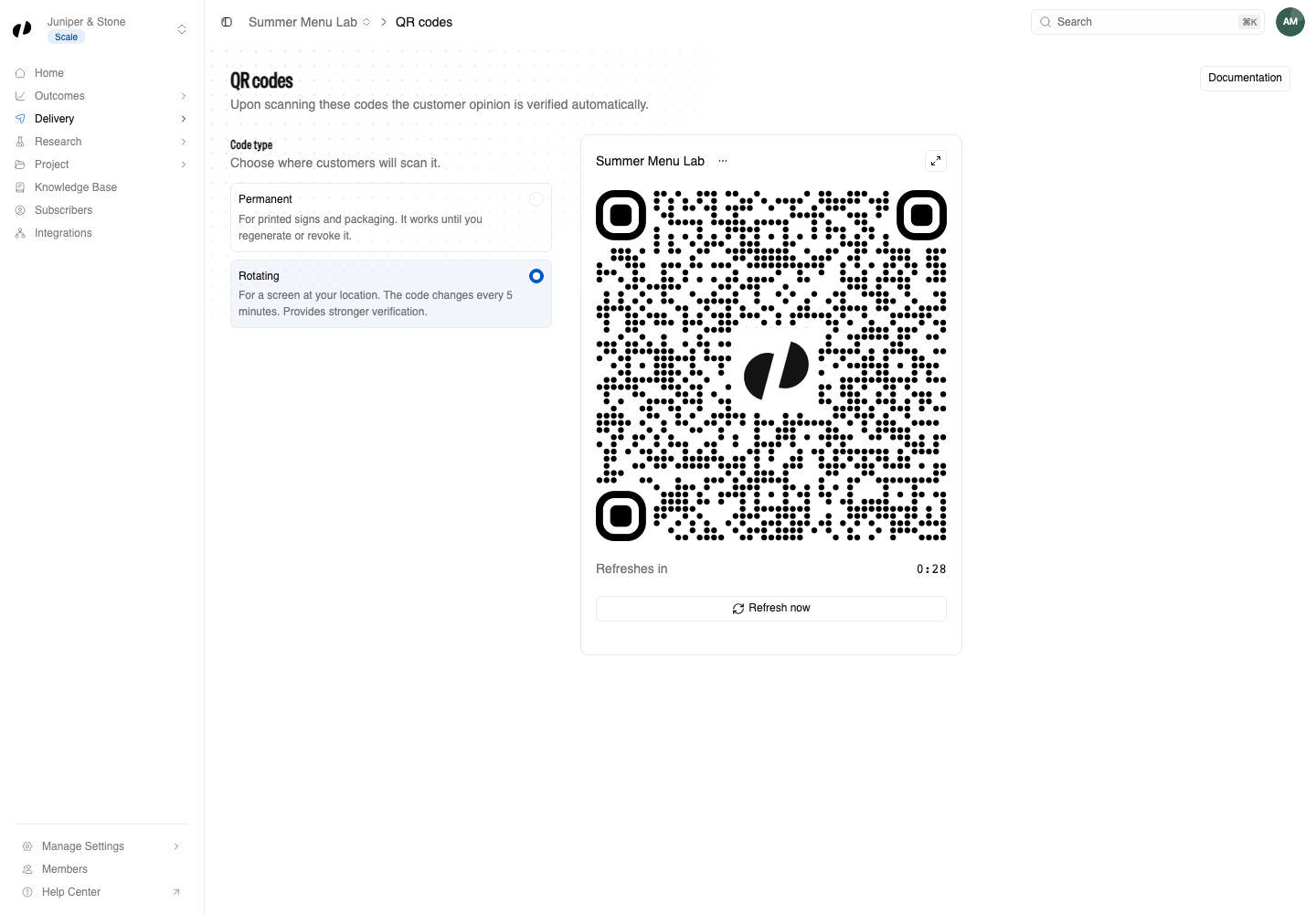
Choose a code
Permanent or rotating
- Permanent codes never change, so print them on signs, menus, and receipts. Regenerating or revoking the code stops every printed copy from working for new opinions.
- Rotating codes change every 5 minutes, with a short grace period. Show them on a screen, such as a tablet at the counter: a photo of the code stops working soon after it is taken, so people have to be there.
An opinion started from a code records qr_permanent or qr_rotating as its verification method. It shows the customer saw your code; it does not prove who they are, that they bought anything, or where they were.
Run a rotating code on your own screen
Orvelt Business can show the rotating code full screen. To show it inside your own kiosk, point-of-sale, or signage app instead, fetch the current link and draw it as a QR code. This needs the qr permission.
Keep the code fresh
import { qr } from '@orvelt/business';

async function showCurrentCode(render: (link: string) => void) {
  const result = await qr.display({ projectId: 'PROJECT_ID' });
  if (result.error) throw new Error(result.error.message);

  const { link, validUntil, serverTime } = result.data;
  render(link); // Draw `link` as a QR code. Do not log it.
  if (validUntil === null) return;

  // Refresh when this code expires, measured on Orvelt's clock rather than the device's.
  const delay = Date.parse(validUntil) - Date.parse(serverTime);
  setTimeout(() => void showCurrentCode(render), Math.max(delay, 1000));
}
qr.display returns the qrCode, its current link, validFrom, validUntil, and serverTime. It fails when the project has no rotating code or it was revoked, so create it in Orvelt Business first. Run this on a trusted server or device: it uses your API key.