Fix access problems
What to do when you see Access Forbidden, a page is missing from your sidebar, or you can't find an organization or project.
Most access problems come down to three things: you're in the wrong organization, the wrong project, or you haven't been given access yet.
"Access Forbidden"
This page means you're signed in, but your account doesn't have access to that page or action.
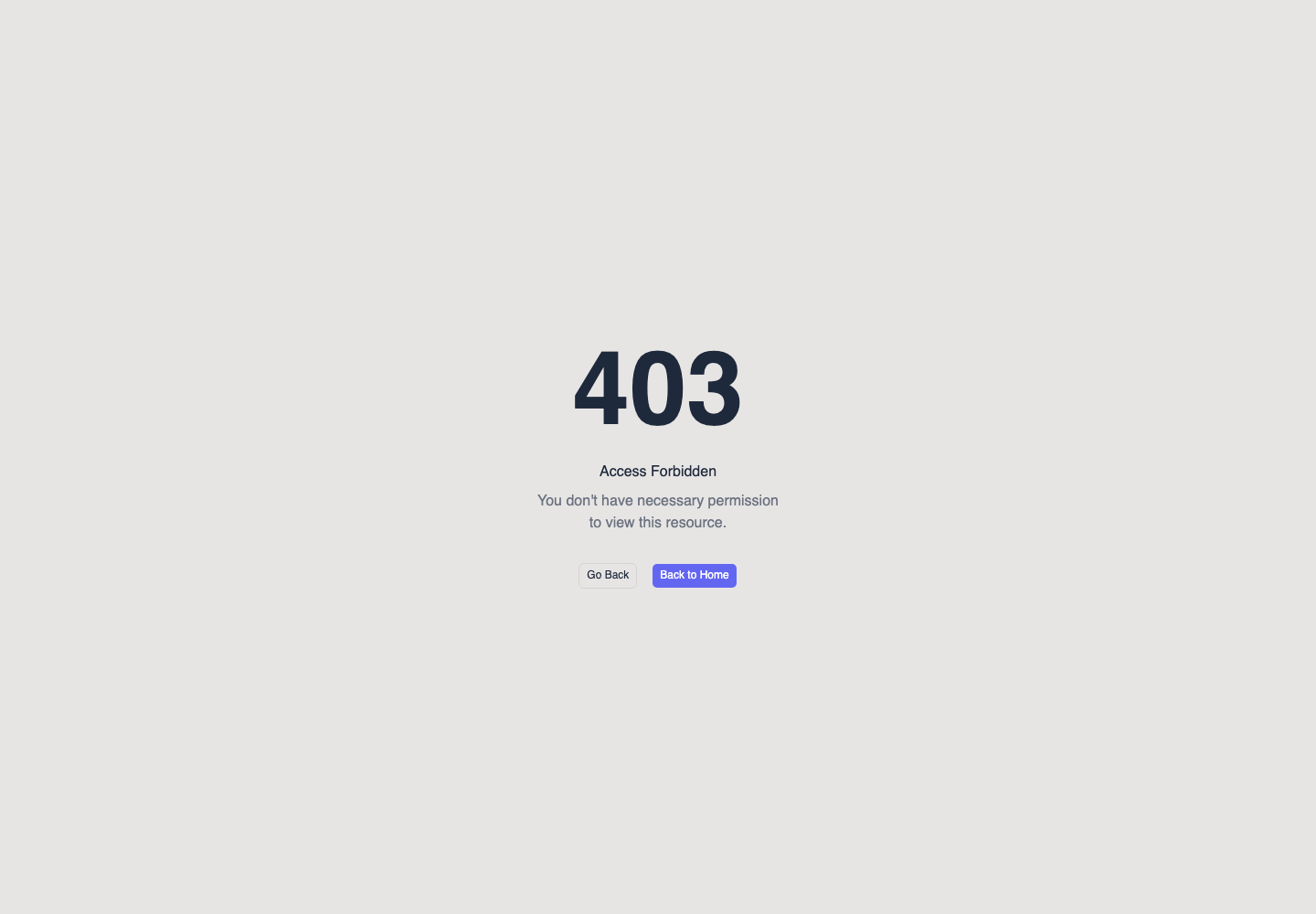
Choose Go Back to return to the previous page, or Back to Home to open the dashboard. Then work through the checks below.
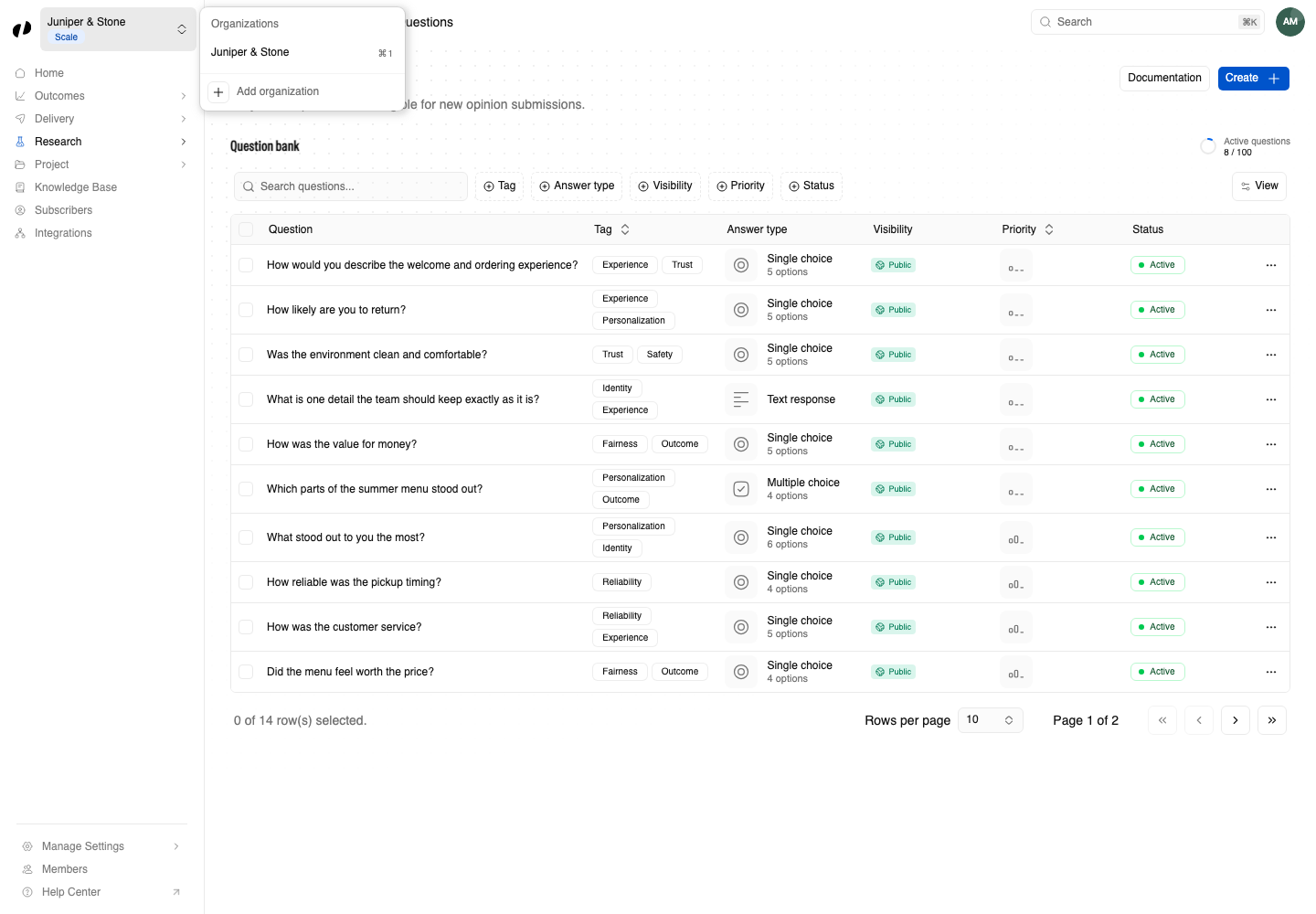
Check 1: the right organization
Open the organization switcher at the top of the sidebar and select the organization you meant to work in.
Check 2: the right project
Select the project name in the page header and choose the right project. Then open the page again from the sidebar.
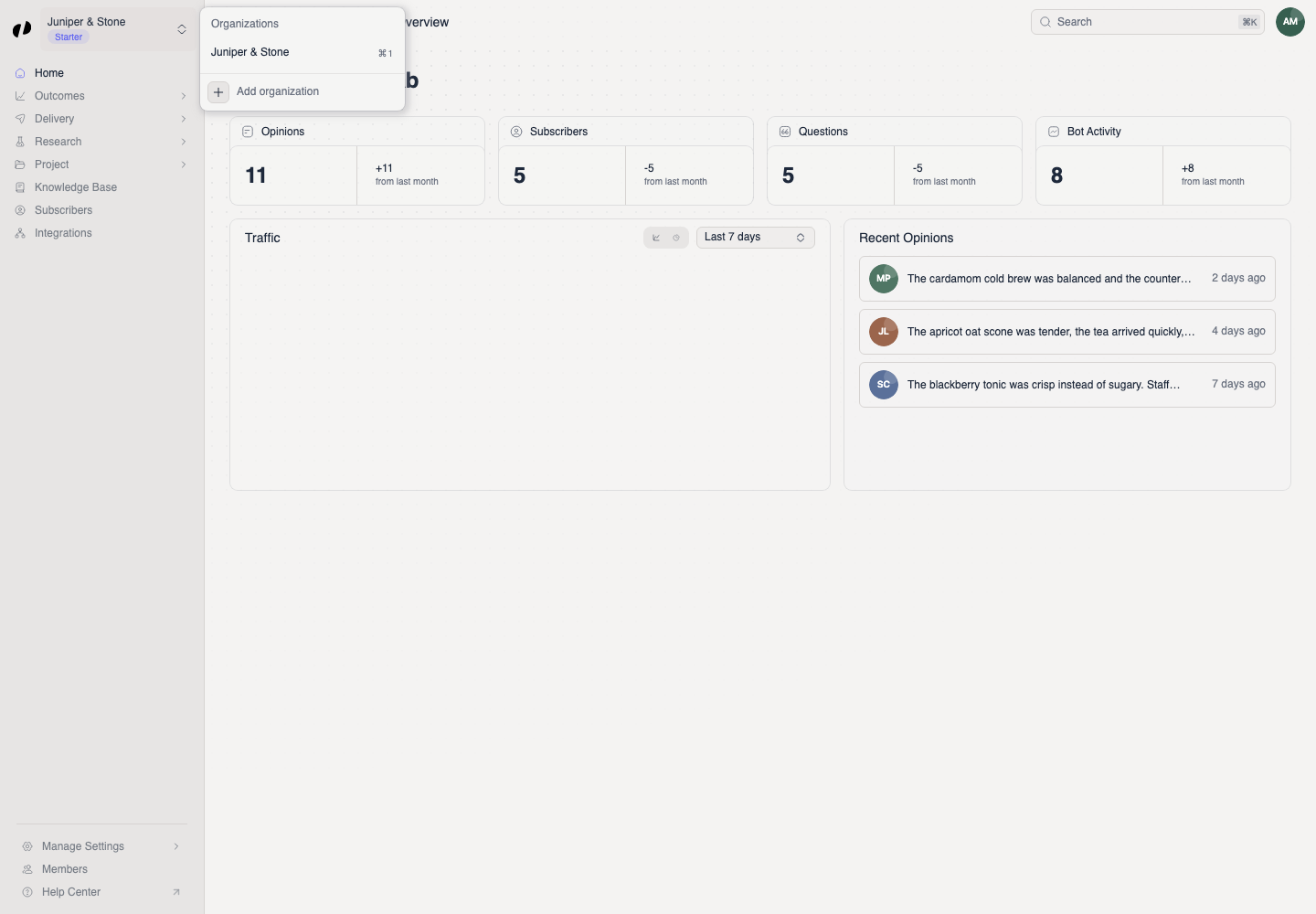
Check 3: your access
If you're in the right place and still can't get in, you need access. Send an owner or admin of the organization:
- The email address you sign in with.
- The organization and project name.
- The page or action you need, such as "reply to opinions on Summer Menu Lab".
They can open Members, choose Access in your row's menu, and add the project team or product access. Team and roles
Other common problems
You may be signed in with a different email than the one you were invited with. Sign out, then sign in with the invited email. If you have a pending invitation, accept it while signed in with that email.
Members only see the sections their product access allows. For example, without Research access, Research isn't shown. Ask an owner or admin.
Project team membership lets you open a project; product access decides what you can change in it.
Check status.orvelt.com for outages, then contact support from the Help Center.